



SPLK-1003 Exam Questions PDF
| Questions and Answers | 1022 (Complete Set) |
| File Format | |
| Latest Update | November 27, 2026 |
| Files Delivery | Instant (5 to 10 min.) |
| Compatibility | All Desktop and Mobile Devices |
| Delivery Method | Download Account |
SPLK 1003 Splunk Enterprise Certified Admin validates Splunk administration.
Splunk, now part of Cisco, offers a certification path that starts with Core Certified User and Power User and continues through administrator, architect, consultant and security tracks. Exams are delivered by Pearson VUE and are tied to Splunk Education courses, so following the official course outlines and practicing searches in a free Splunk instance is the most efficient way to prepare.
Candidates for Splunk Enterprise Certified Admin benefit most from combining study with hands on time in a sandbox or test environment. Seeing how settings, features and data behave makes scenario questions far easier to answer.
Partners and consulting firms often need certified staff to maintain their status with the vendor, so Splunk Enterprise Certified Admin can directly support career progression. It also gives you a structured way to learn features you may not use every day.
Here is how the main areas break down. Splunk Admin Basics covers components. Within License Management, candidates should be comfortable with licenses. Splunk Configuration Files focuses on precedence. The Splunk Indexes area includes indexes.
Preparing for the SPLK-1003 exam requires not only understanding the exam topics but also practicing with exam style questions. Our Splunk Enterprise Certified Admin exam questions in practice tests help candidates review key concepts and familiarize themselves with the format and difficulty of exam.
At Killexams.com, our team works to maintain up-to-date practice content for exam preparation. We continuously review and refine our question sets and explanations to cover the latest relevant syllabus areas and help learners strengthen their understanding of core topics before facing the official exam. These Practice tests allow you to identify areas where you need improvement by measuring your readiness, and provide you exam questions to polish those areas.
SPLK-1003 Exam Questions Preview
The exam has 56 questions over 57 minutes.
Many candidates find it useful to build a week by week plan around the published topics. Allow roughly 8 weeks, giving each major area its own block: begin with Splunk Admin Basics, continue with License Management, Splunk Configuration Files and Splunk Indexes, and finish with Splunk User Management, Splunk Authentication and Getting Data In. Write short notes for each area in your own words and revisit them regularly. In the last week, switch from reading to timed mixed practice so the exam pace feels familiar.
Many SPLK-1003 questions describe a business requirement and ask which feature or configuration meets it best. Practice by taking real requirements from your work and deciding how you would implement them.
Keep a short list of features you rarely use and review them before the SPLK-1003 exam. Timed practice tests in the final week show whether your knowledge is broad enough to cover every section.
| Detail | Information |
|---|---|
| Questions | 56 |
| Duration | 57 minutes |
| Provider | Splunk (Cisco) |
To help you evaluate our material, you may download free sample pdf with example questions and answers that we provide. This sample allows you to review content and approach before deciding on Premium materials..
The Splunk Enterprise Certified Admin practice test files contains 1022 Questions, are compatible with multiple devices, including Windows, macOS, iOS, and Android, and can be used for both online and offline study. The PDF format is printable, making it easy to study during travel or when away from a computer. Access to updated materials is available through your online account.
After purchase, you will receive your username and password immediately, allowing you to log in and download your study files without delay. Our goal is to support exam preparation at your pace with practice content designed for reinforcement and understanding of key concepts.
Killexams.com SPLK 1003 questions and answers cover Splunk administration with explanations.
Questions in the killexams.com SPLK-1003 bank are grouped to match the exam sections, including Splunk Admin Basics, License Management, Splunk Configuration Files and Splunk Indexes. Updates are added when the syllabus changes, so your practice stays aligned with the current version of the exam.
With the killexams.com SPLK-1003 practice test you can study by section, focus on weaker topics or run full length timed sessions. Score history shows how your accuracy improves over time, and the explanations turn each mistake into a short lesson.
Killexams.com SPLK-1003 exam questions are written to match the current syllabus and the style of questions you can expect, including scenario and application items. Clear explanations help you understand not only why an answer is correct but why the alternatives are not.
Online Test Engine
| Exam Questions | 1022 (Complete Set) |
| Testing Limit | Unlimited |
| Access Type | Online |
| Latest Update | November 27, 2026 |
| Access Activation | Instant (5 to 10 min.) |
| Supported OS | Mac, Windows, Android, iPhone / iPad, Linux |
| Delivery Method | Username / Password |
Killexams.com provides an Online Test Engine designed to help candidates practice exam questions in a structured and interactive environment. The Test Engine is compatible with iPhone, iPad, Android, Windows, and Mac, allowing you to study and practice on the device that best fits your schedule.
The SPLK-1003 Online Test Engine enables candidates to simulate exam-style practice sessions, review answers, and track progress over time. This learning approach helps users practice exam questions, question formats and improve time management while preparing for the Splunk Enterprise Certified Admin exam.
The Test Engine includes features that support effective learning, such as customizable practice sessions, question review modes, and progress tracking. These tools are designed to assist candidates in identifying knowledge gaps and reinforcing key concepts through repeated practice rather than memorization alone.
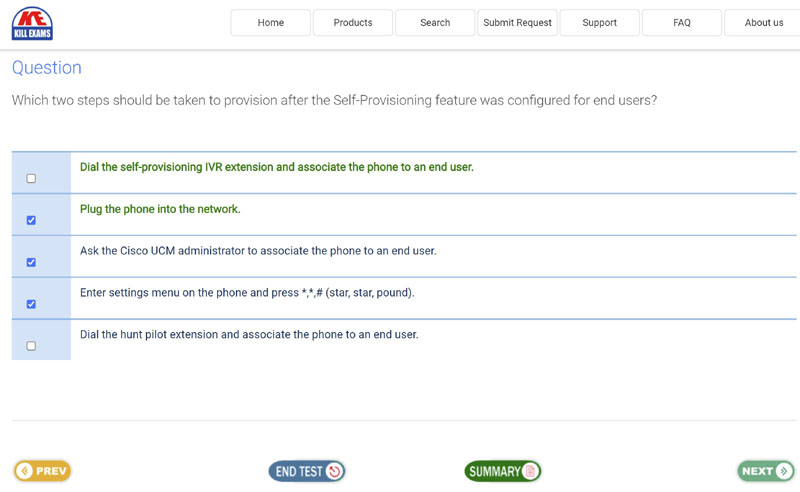
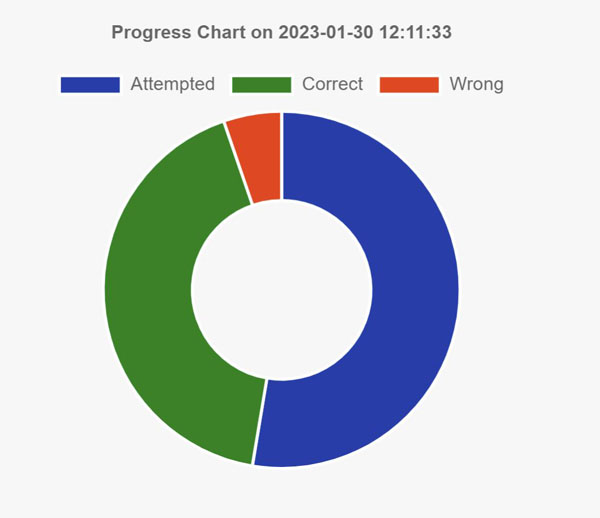
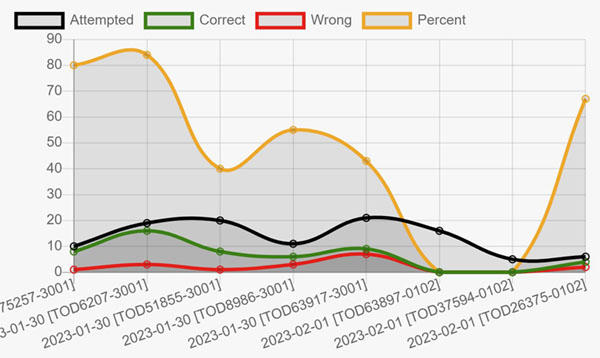
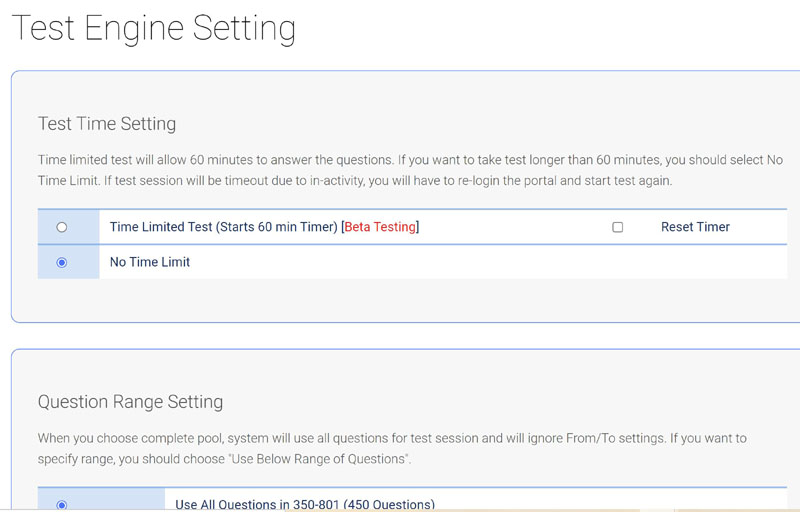
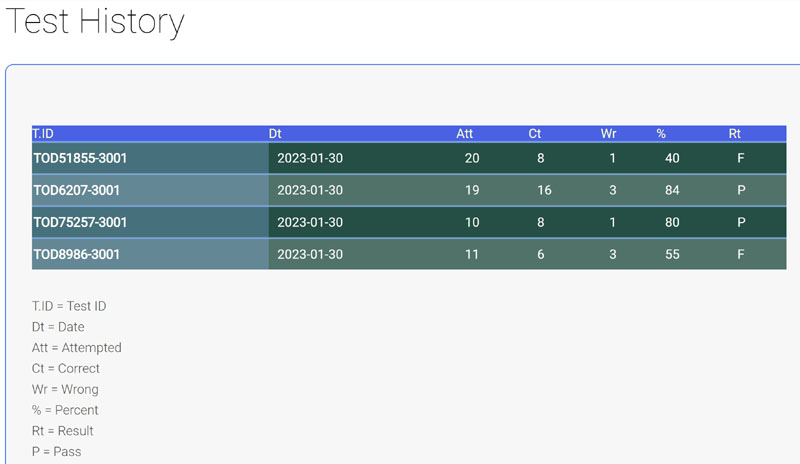
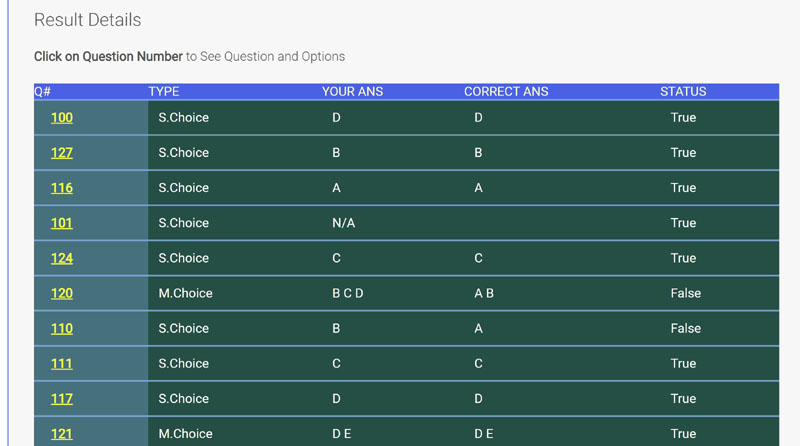
The Online Test Engine maintains practice history, performance summaries, and visual progress reports. Where available, questions may include explanations or reference information to support better understanding of exam topics. Content is reviewed and updated periodically to reflect relevant syllabus changes and maintain consistency with exam objectives.
Desktop Test Engine
| Exam Questions | 1022 (Complete Set) |
| Software Version | 2026 |
| Access | Unlimited |
| Latest Update | November 27, 2026 |
| Access Activation | Instant (5 to 10 min.) |
| Supported OS | Windows (All Versions) |
| Delivery Method | Username / Password |
| Test Engine Trial Software | Killexams Test Engine 2026 |
The Killexams Desktop Test Engine (version 2026) is a dedicated test preparation software designed to support candidates preparing for the SPLK-1003 exam. The simulator provides a structured desktop based practice environment that allows users to work through exam style questions and review their performance in detail.
By practicing with the Splunk Enterprise Certified Admin Exam Simulator, candidates can become familiar with question formats, exam navigation, and time based testing conditions similar to those used in official exams. This experience helps users build confidence across testing environment, time management, exam topics and identify areas that may require additional study.
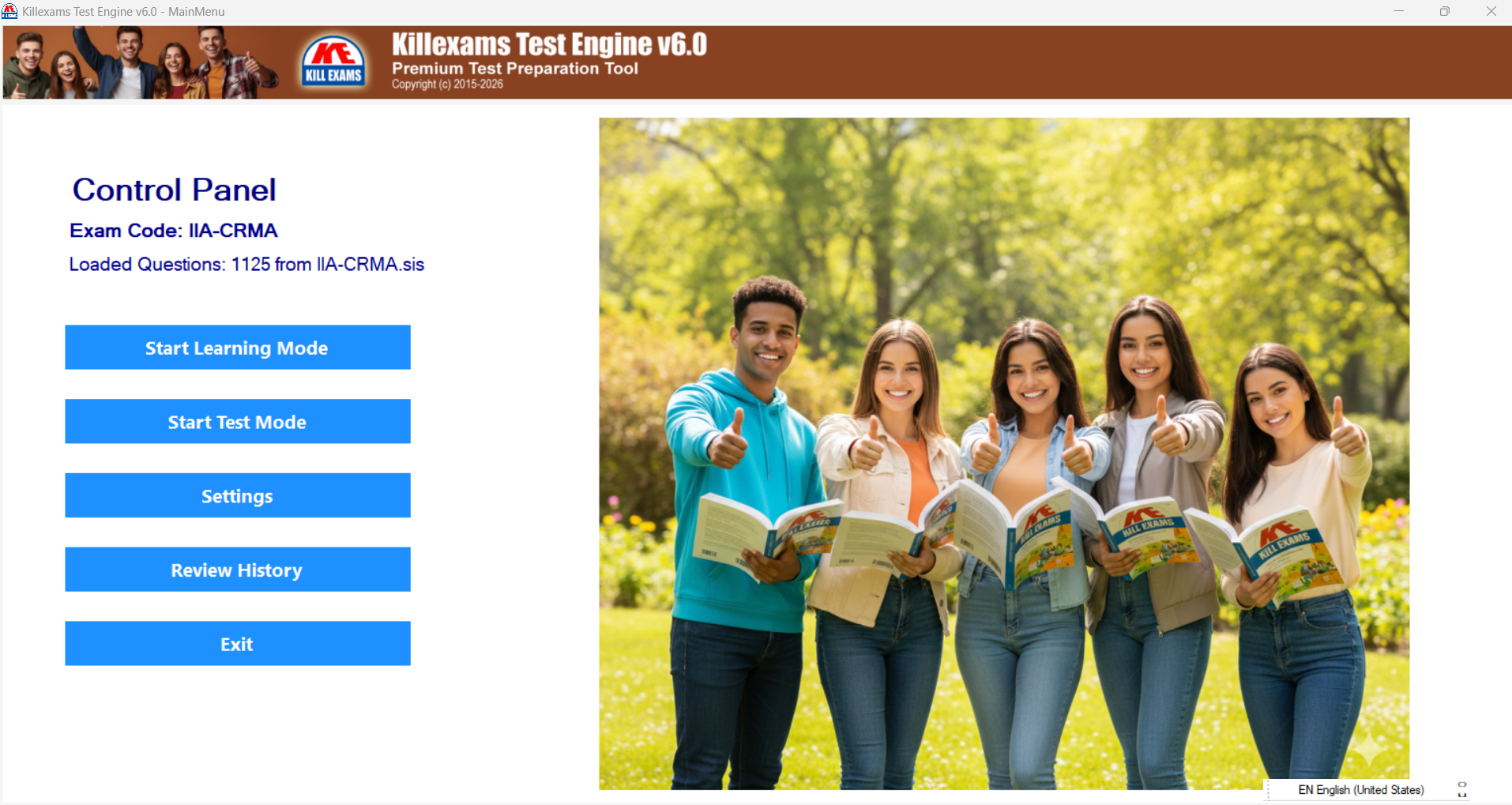
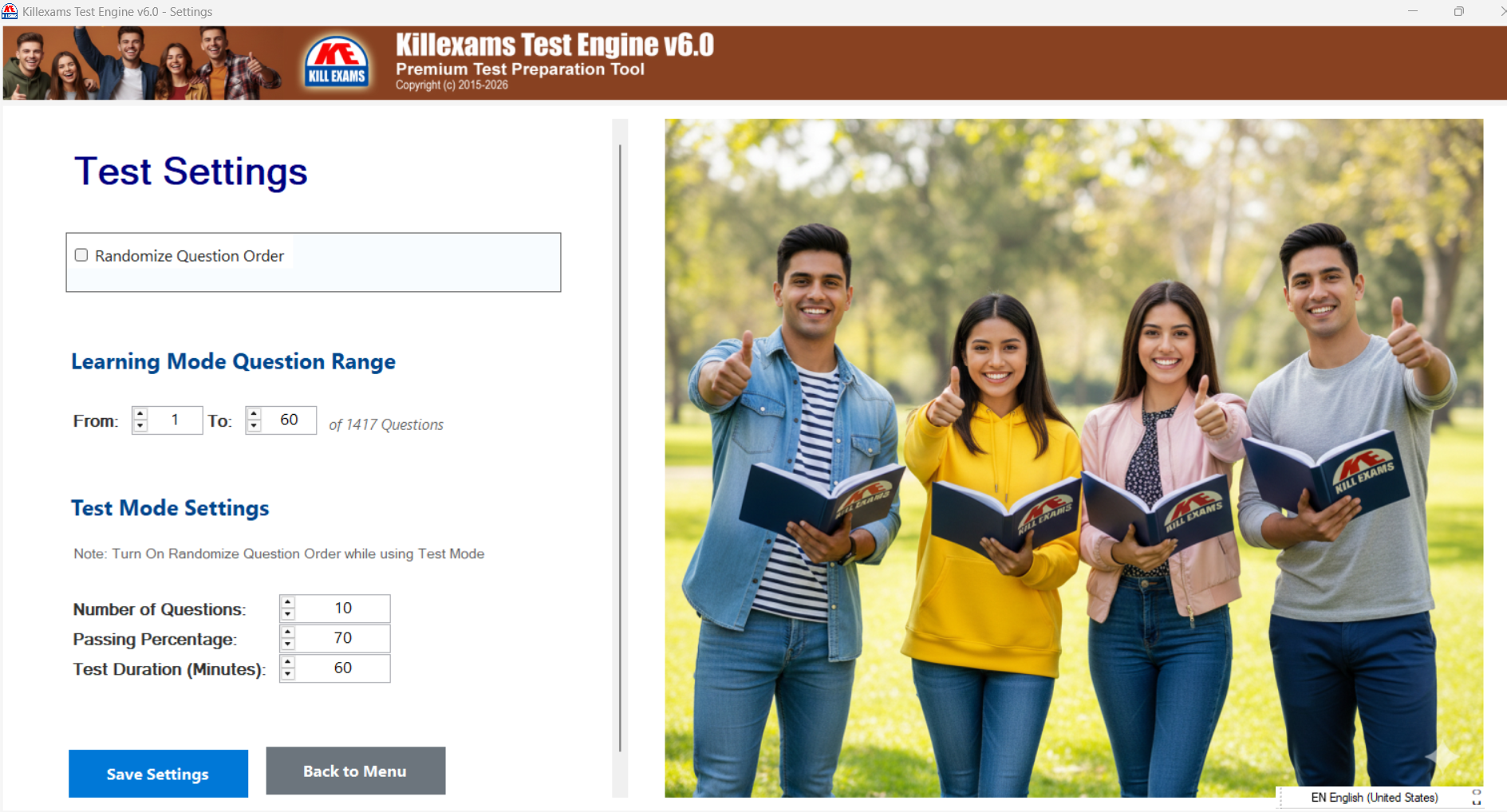
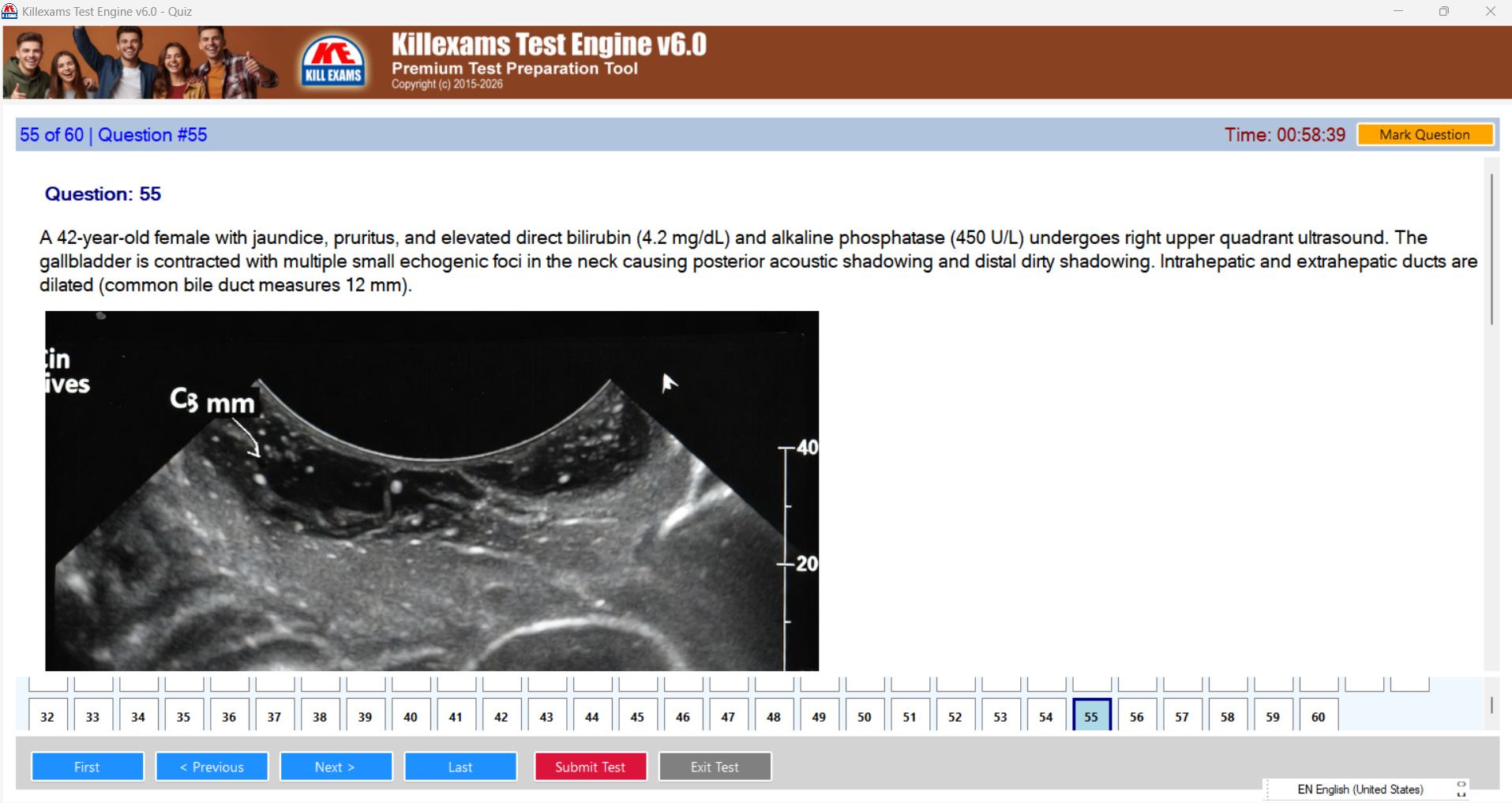
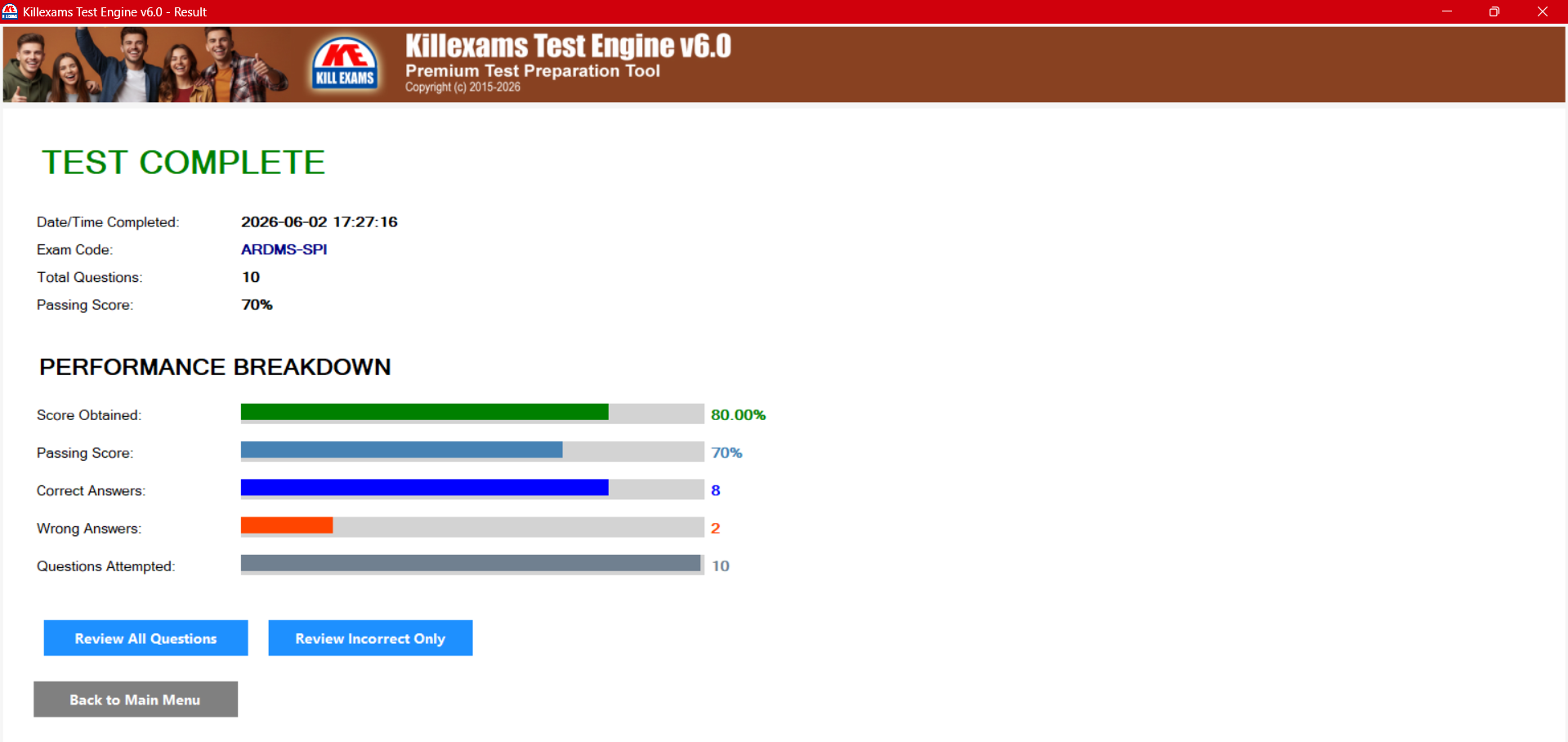

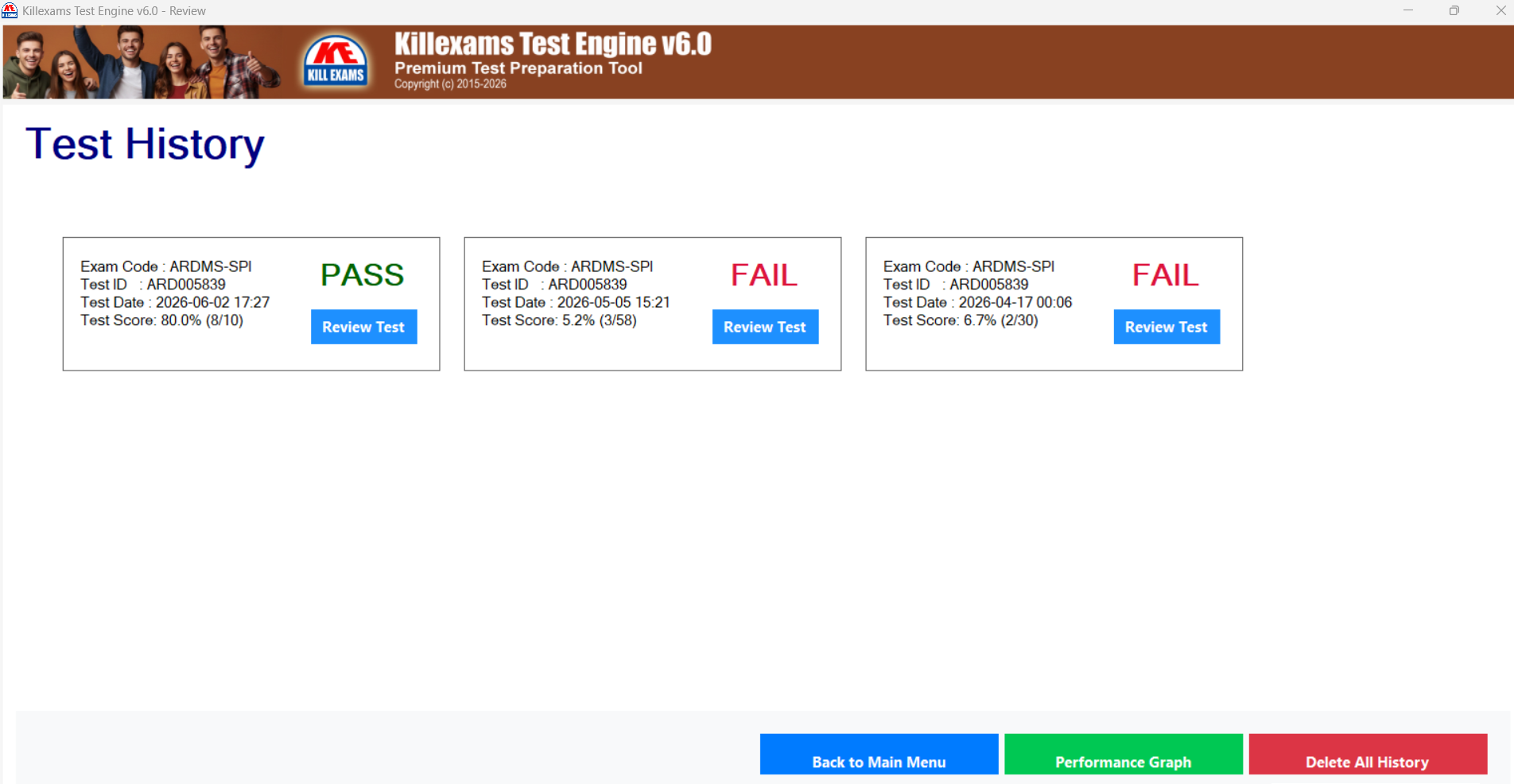
The Desktop Exam Simulator records practice history, performance summaries, and graphical progress reports. Where available, questions may include explanations or reference information to support understanding of correct and incorrect answers. The simulator content is reviewed and updated periodically to remain aligned with current exam objectives and syllabus requirements.
Certification Information
Other Splunk Practice Exams
SPLK-1005 | SPLK-5003 | SPLK-5001 | SPLK-5002 | SPLK-4001 | SPLK-3001 | SPLK-2002 | SPLK-3002 | View all ›
|
3 Months Update
|
6 Months Update
|
12 Months Update
|
|
|---|---|---|---|
What is 3 Months Update?
During 3 months, all future updates in PDF and Test Engine will be provided in your MyAccount with download links. An Intimation email on each update will be sent to you to re-download the updated exam files.
|
What is 6 Months Update?
During 6 months, all future updates in PDF and Test Engine will be provided in your MyAccount with download links. An Intimation email on each update will be sent to you to re-download the updated exam files.
|
What is 12 Months Update?
During 12 months, all future updates in PDF and Test Engine will be provided in your MyAccount with download links. An Intimation email on each update will be sent to you to re-download the updated exam files.
|
|
| Files | PDF / Test Engines | PDF / Test Engines | PDF / Test Engines |
| Premium Access | ✔ | ✔ | ✔ |
| Online Test Engine | ✔ | ✔ | ✔ |
| Instant Download Access | ✔ | ✔ | ✔ |
| Comprehensive Q&A | ✔ | ✔ | ✔ |
| Latest Topics | ✔ | ✔ | ✔ |
| Updated Regularly | ✔ | ✔ | ✔ |
| Portable Files | ✔ | ✔ | ✔ |
| Unlimited Download | ✔ | ✔ | ✔ |
| 100% Secured | ✔ | ✔ | ✔ |
| Confidentiality | 100% | 100% | 100% |
| Syllabus Coverage | Latest | Latest | Latest |
| Any Hidden Cost | No | No | No |
| Auto Renewal | No | No | No |
| Updates Intimation | by Email | by Email | by Email |
| Technical Support | Free | Free | Free |
| PDF Compatibility | Windows, Mac, Android, iOS, Linux | Windows, Mac, Android, iOS, Linux | Windows, Mac, Android, iOS, Linux |
| Desktop Test Engine Compatibility | Windows All Versions | Windows All Versions | Windows All Versions |
| Online Test Engine Compatibility | Mac / Windows / Android / iOS / Linux | Mac / Windows / Android / iOS / Linux | Mac / Windows / Android / iOS / Linux |
SPLK-1003 Exam Format | Course Contents | Course Outline | Exam Syllabus | Exam Objectives
The Splunk Enterprise System Administration course focuses on administrators who manage a Splunk Enterprise environment. Topics include Splunk license manager- indexers and search heads- configuration- management- and monitoring. The Splunk Enterprise Data Administration course targets administrators who are responsible for getting data into Splunk. The course provides content about Splunk forwarders and methods to get remote data into Splunk.
The following content areas are general guidelines for the content to be included on the exam:
● Splunk deployment overview
● License management
● Splunk apps
● Splunk configuration files
● Users- roles- and authentication
● Getting data in
● Distributed search
● Introduction to Splunk clusters
● Deploy forwarders with Forwarder Management
● Configure common Splunk data inputs
● Customize the input parsing process
1.0 Splunk Admin Basics 5%
1.1 Identify Splunk components
2.0 License Management 5%
2.1 Identify license types
2.2 Understand license violations
3.0 Splunk Configuration Files 5%
3.1 Describe Splunk configuration directory structure
3.2 Understand configuration layering
3.3 Understand configuration precedence
3.4 Use btool to examine configuration settings
4.0 Splunk Indexes 10%
4.1 Describe index structure
4.2 List types of index buckets
4.3 Check index data integrity
4.4 Describe indexes.conf options
4.5 Describe the fishbucket
4.6 Apply a data retention policy
5.0 Splunk User Management 5%
5.1 Describe user roles in Splunk
5.2 Create a custom role
5.3 Add Splunk users
6.0 Splunk Authentication Management 5%
6.1 Integrate Splunk with LDAP
6.2 List other user authentication options
6.3 Describe the steps to enable Multifactor Authentication in Splunk
7.0 Getting Data In 5%
7.1 Describe the basic settings for an input
7.2 List Splunk forwarder types
7.3 Configure the forwarder
7.4 Add an input to UF using CLI
8.0 Distributed Search 10%
8.1 Describe how distributed search works
8.2 Explain the roles of the search head and search peers
8.3 Configure a distributed search group
8.4 List search head scaling options
9.0 Getting Data In – Staging 5%
9.1 List the three phases of the Splunk Indexing process
9.2 List Splunk input options
10.0 Configuring Forwarders 5%
10.1 Configure Forwarders
10.2 Identify additional Forwarder options
11.0 Forwarder Management 10%
11.1 Explain the use of Deployment Management
11.2 Describe Splunk Deployment Server
11.3 Manage forwarders using deployment apps
11.4 Configure deployment clients
11.5 Configure client groups
11.6 Monitor forwarder management activities
12.0 Monitor Inputs 5%
12.1 Create file and directory monitor inputs
12.2 Use optional settings for monitor inputs
12.3 Deploy a remote monitor input
13.0 Network and Scripted Inputs 5%
13.1 Create network (TCP and UDP) inputs
13.2 Describe optional settings for network inputs
13.3 Create a basic scripted input
14.0 Agentless Inputs 5%
14.1 Identify Windows input types and uses
14.2 Describe HTTP Event Collector
15.0 Fine Tuning Inputs 5%
15.1 Understand the default processing that occurs during input phase
15.2 Configure input phase options- such as sourcetype fine-tuning and character set encoding
16.0 Parsing Phase and Data 5%
16.1 Understand the default processing that occurs during parsing
16.2 Optimize and configure event line breaking
16.3 Explain how timestamps and time zones are extracted or assigned to events
16.4 Use Data Preview to validate event creation during the parsing phase
17.0 Manipulating Raw Data 5%
17.1 Explain how data transformations are defined and invoked
17.2 Use transformations with props.conf and transforms.conf to:
● Mask or delete raw data as it is being indexed
● Override sourcetype or host based upon event values
● Route events to specific indexes based on event content
● Prevent unwanted events from being indexed
17.3 Use SEDCMD to modify raw data
Reviews (12)4.42 Overall
★★★★★
42%
★★★★
58%
★★★
0%
★★
0%
★
0%
|
Submit ReviewYou must be logged in to submit a review. Sign In to Submit Review |
Customer Reviews
SPLK-1003 Exam FAQs
How many questions are on the SPLK-1003 exam?
The SPLK-1003 exam has 56 questions.
How long is the SPLK-1003 exam?
You have 57 minutes to complete the SPLK-1003 exam.
What topics does the SPLK-1003 exam cover, and how are they weighted?
The SPLK-1003 exam covers 14 sections: Splunk Admin Basics; License Management; Splunk Configuration Files; Splunk Indexes; Splunk User Management; Splunk Authentication; Getting Data In; Distributed Search; Forwarder Management; Monitor Inputs; Network and Scripted Inputs; Fine Tuning Inputs; Parsing Phase and Data; Manipulating Raw Data.
How should I prepare for SPLK-1003?
Start with the official SPLK-1003 exam outline and study materials from Splunk (Cisco), then build exam readiness with timed practice. A killexams.com premium account gives you the full pool of 1,022 SPLK-1003 practice questions and answers in PDF and Test Engine formats, so you can practice every objective and review the answers before exam day.
How long does it take to prepare for SPLK-1003?
At a steady pace of 100 practice questions a day, working through all 1,022 SPLK-1003 questions takes about 11 days. Add extra days to repeat the questions you got wrong.
Is SPLK-1003 hard? Who is it for?
SPLK 1003 Splunk Enterprise Certified Admin validates Splunk administration.
How many practice questions do you have for SPLK-1003?
The killexams.com SPLK-1003 practice test contains 1,022 questions and answers.
Is there a free SPLK-1003 sample?
Yes. A free SPLK-1003 sample PDF is available on this page, so you can review the question style before you buy.
What formats are included in the SPLK-1003 practice test?
The SPLK-1003 practice test is available as a PDF, an Online Test Engine and a Desktop Test Engine.
Do the SPLK-1003 practice questions cover the current exam objectives?
Yes. The SPLK-1003 practice questions cover the complete syllabus and current exam objectives.
How do I get the files after purchase, and how long is access valid?
Your MyAccount login details are delivered by email. You can download the files from the member area until your account expires, after 3, 6 or 12 months depending on the plan you bought.
Can I use the SPLK-1003 Test Engine on Mac or mobile?
Yes, with the Online Test Engine, which runs on Mac, iOS, Android, Linux and other platforms. The Desktop Test Engine is for Windows only.
What if I fail the SPLK-1003 exam after using your material?
You can choose one of three options: 1) a refund, 2) a free 3-month account extension, or 3) a new exam of your choice.
How many practice questions are available for SPLK-1003?
The SPLK-1003 practice test contains 1,022 practice questions and answers covering the current exam objectives.
What formats are available for SPLK-1003 preparation?
The SPLK-1003 practice test is available as PDF, Online Test Engine, Desktop Test Engine. All formats can be downloaded instantly after purchase.
Is there a free SPLK-1003 sample?
Yes. You can preview and download a free SPLK-1003 sample PDF on this page before you buy.