


HDI-DAST Exam Questions PDF
| Questions and Answers | 1287 (Complete Set) |
| File Format | |
| Latest Update | November 23, 2026 |
| Files Delivery | Instant (5 to 10 min.) |
| Compatibility | All Desktop and Mobile Devices |
| Delivery Method | Download Account |
The HDI Desktop Advanced Support Technician certification is for desktop support professionals who resolve complex end user technology issues. It covers desktop support processes and the support center model, advanced troubleshooting methodology, hardware, operating systems and applications, networking and connectivity issues, security and access problems, remote support tools, customer service and communication skills, incident and problem management and knowledge management.
Key terms include first contact resolution, escalation path, root cause, knowledge article, remote desktop tool and customer satisfaction.
Desktop support technicians resolve hardware, software, network and access problems for end users while keeping service levels and customer satisfaction high. HDI certifications are widely recognized in technical support and service desk teams, and DAST targets technicians handling more complex issues and escalations. Holders often move into senior desktop support, service desk lead or IT operations roles.
The topic areas are broad, so it helps to look inside them. The Desktop Support Processes area includes support models, SLAs and escalation. Questions on Troubleshooting Methodology typically involve structured problem solving. Hardware, OS and Applications covers advanced desktop issues. Within Networking and Security, candidates should be comfortable with connectivity, access and malware.
Preparing for the HDI-DAST exam requires not only understanding the exam topics but also practicing with exam style questions. Our Desktop Advanced Support Technician (DAST) exam questions in practice tests help candidates review key concepts and familiarize themselves with the format and difficulty of exam.
At Killexams.com, our team works to maintain up-to-date practice content for exam preparation. We continuously review and refine our question sets and explanations to cover the latest relevant syllabus areas and help learners strengthen their understanding of core topics before facing the official exam. These Practice tests allow you to identify areas where you need improvement by measuring your readiness, and provide you exam questions to polish those areas.
HDI-DAST Exam Questions Preview
The HDI DAST exam is a multiple choice test that blends technical troubleshooting with service skills. Practice structured troubleshooting scenarios and customer communication questions. Confirm current details with HDI.
One effective way to prepare for HDI-DAST is to work through the sections in order. Allow roughly 6 weeks, giving each major area its own block: begin with Desktop Support Processes, continue with Troubleshooting Methodology; Hardware, OS and Applications; and Networking and Security, and finish with Customer Service and Communication; and Incident, Problem and Knowledge Management. Summarize every area on a single page and use those pages for quick revision before the exam. Leave the final week for full timed practice tests and targeted review of weak areas.
| Detail | Information |
|---|---|
| Format | Multiple choice |
| Awarding Body | HDI |
| Audience | Desktop support technicians |
| Focus | Troubleshooting, ITSM practices, customer service |
To help you evaluate our material, you may download free sample pdf with example questions and answers that we provide. This sample allows you to review content and approach before deciding on Premium materials..
The Desktop Advanced Support Technician (DAST) practice test files contains 1287 Questions, are compatible with multiple devices, including Windows, macOS, iOS, and Android, and can be used for both online and offline study. The PDF format is printable, making it easy to study during travel or when away from a computer. Access to updated materials is available through your online account.
After purchase, you will receive your username and password immediately, allowing you to log in and download your study files without delay. Our goal is to support exam preparation at your pace with practice content designed for reinforcement and understanding of key concepts.
Killexams.com questions and answers help HDI DAST candidates practice technical and service scenarios aligned with the latest HDI standards.
Questions in the killexams.com HDI-DAST bank are grouped to match the exam sections, including Desktop Support Processes; Troubleshooting Methodology; Hardware, OS and Applications; and Networking and Security. Score reports after each session show which section needs more work, and the explanations turn mistakes into learning.
Online Test Engine
| Exam Questions | 1287 (Complete Set) |
| Testing Limit | Unlimited |
| Access Type | Online |
| Latest Update | November 23, 2026 |
| Access Activation | Instant (5 to 10 min.) |
| Supported OS | Mac, Windows, Android, iPhone / iPad, Linux |
| Delivery Method | Username / Password |
Killexams.com provides an Online Test Engine designed to help candidates practice exam questions in a structured and interactive environment. The Test Engine is compatible with iPhone, iPad, Android, Windows, and Mac, allowing you to study and practice on the device that best fits your schedule.
The HDI-DAST Online Test Engine enables candidates to simulate exam-style practice sessions, review answers, and track progress over time. This learning approach helps users practice exam questions, question formats and improve time management while preparing for the Desktop Advanced Support Technician (DAST) exam.
The Test Engine includes features that support effective learning, such as customizable practice sessions, question review modes, and progress tracking. These tools are designed to assist candidates in identifying knowledge gaps and reinforcing key concepts through repeated practice rather than memorization alone.
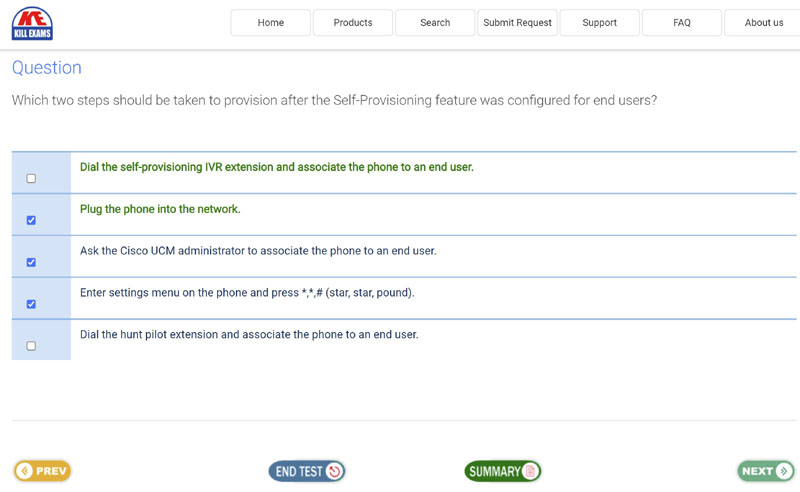
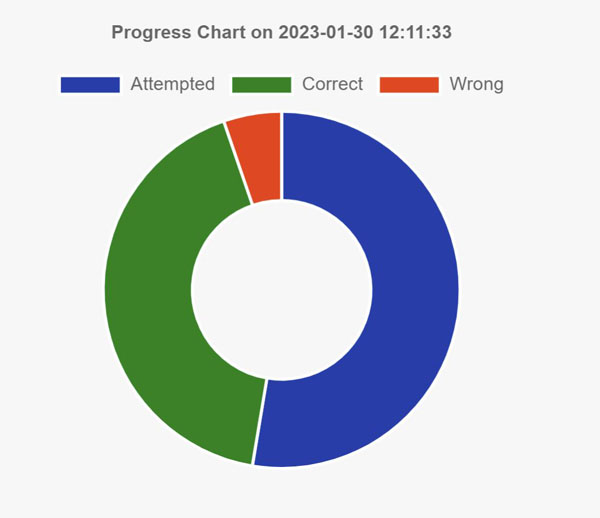
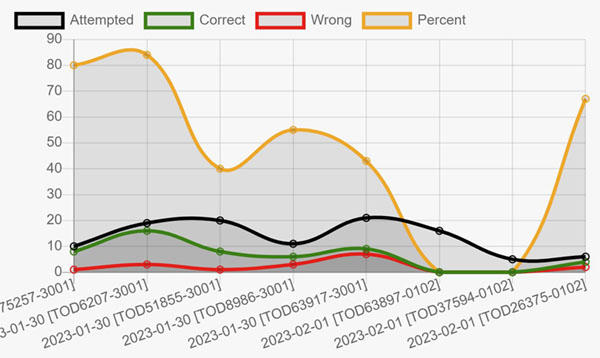
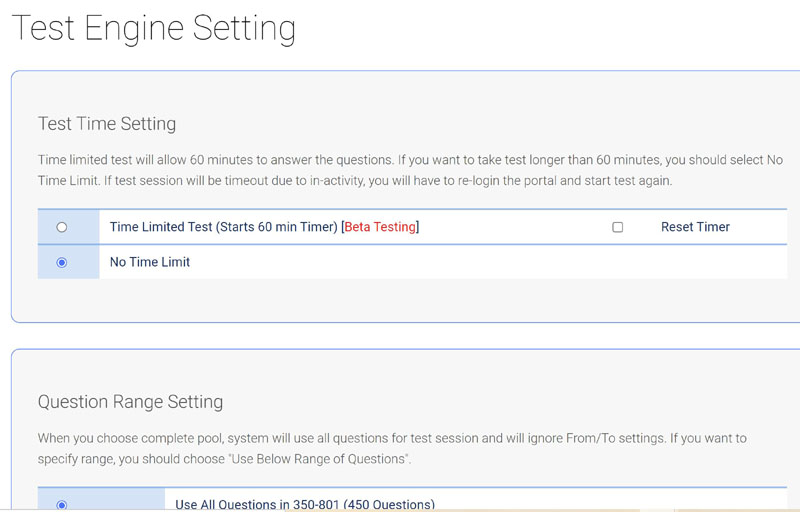
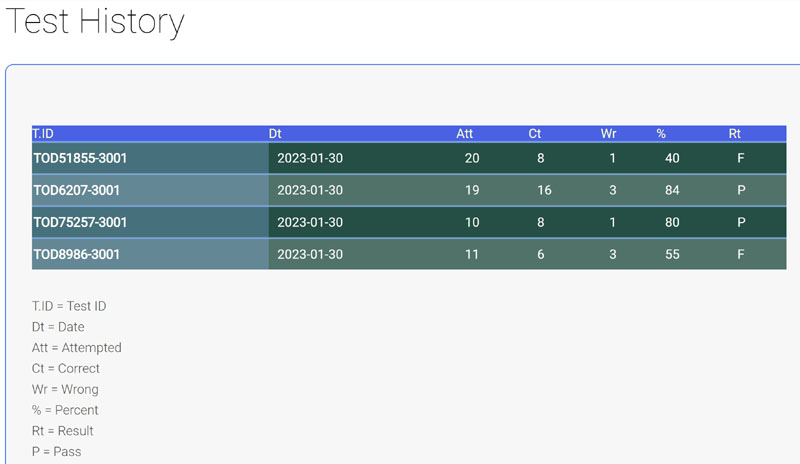
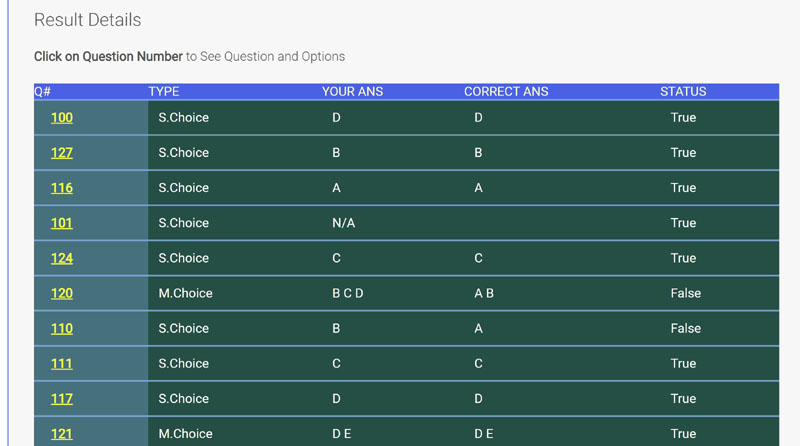
The Online Test Engine maintains practice history, performance summaries, and visual progress reports. Where available, questions may include explanations or reference information to support better understanding of exam topics. Content is reviewed and updated periodically to reflect relevant syllabus changes and maintain consistency with exam objectives.
Desktop Test Engine
| Exam Questions | 1287 (Complete Set) |
| Software Version | 2026 |
| Access | Unlimited |
| Latest Update | November 23, 2026 |
| Access Activation | Instant (5 to 10 min.) |
| Supported OS | Windows (All Versions) |
| Delivery Method | Username / Password |
| Test Engine Trial Software | Killexams Test Engine 2026 |
The Killexams Desktop Test Engine (version 2026) is a dedicated test preparation software designed to support candidates preparing for the HDI-DAST exam. The simulator provides a structured desktop based practice environment that allows users to work through exam style questions and review their performance in detail.
By practicing with the Desktop Advanced Support Technician (DAST) Exam Simulator, candidates can become familiar with question formats, exam navigation, and time based testing conditions similar to those used in official exams. This experience helps users build confidence across testing environment, time management, exam topics and identify areas that may require additional study.
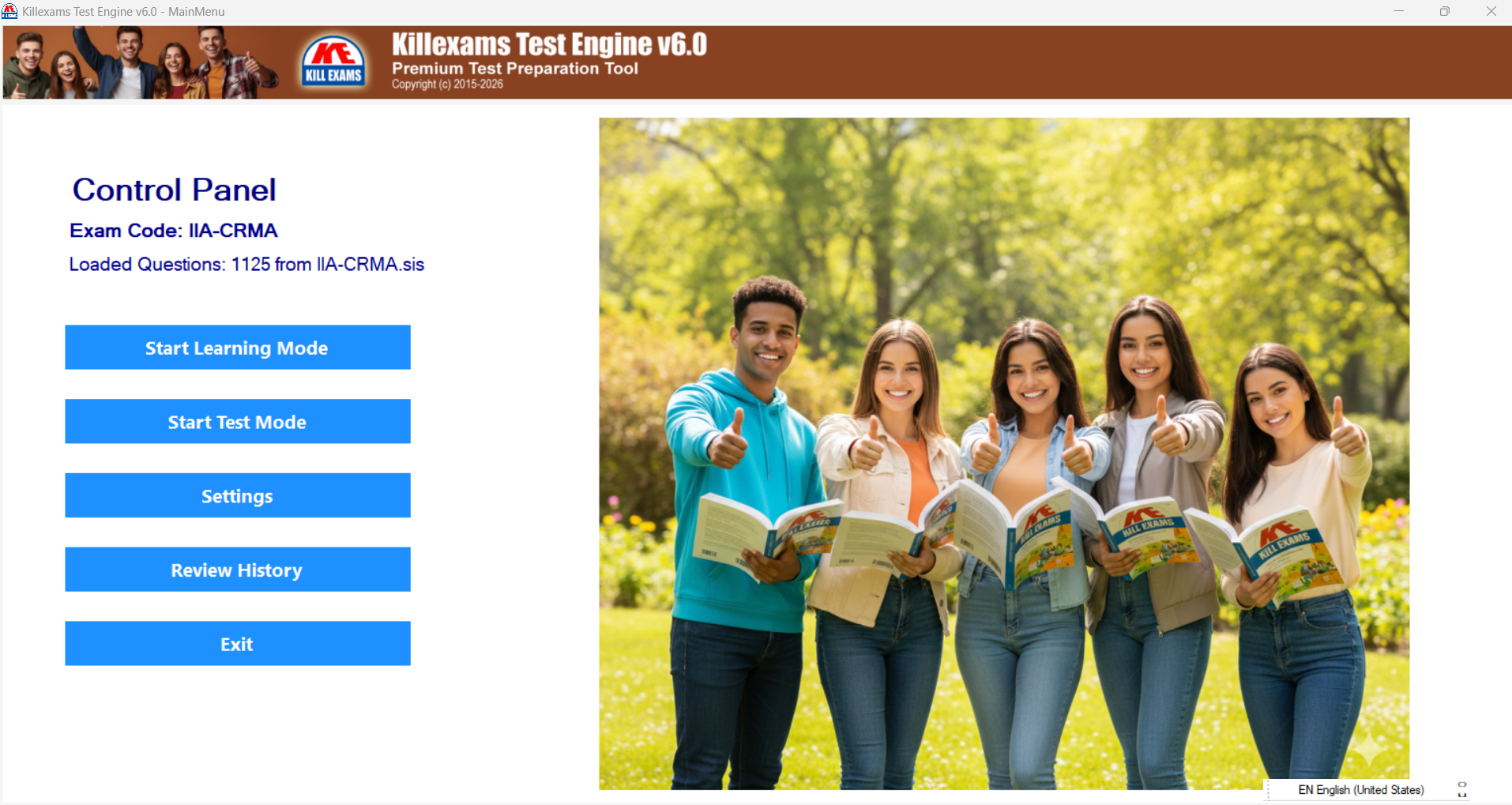

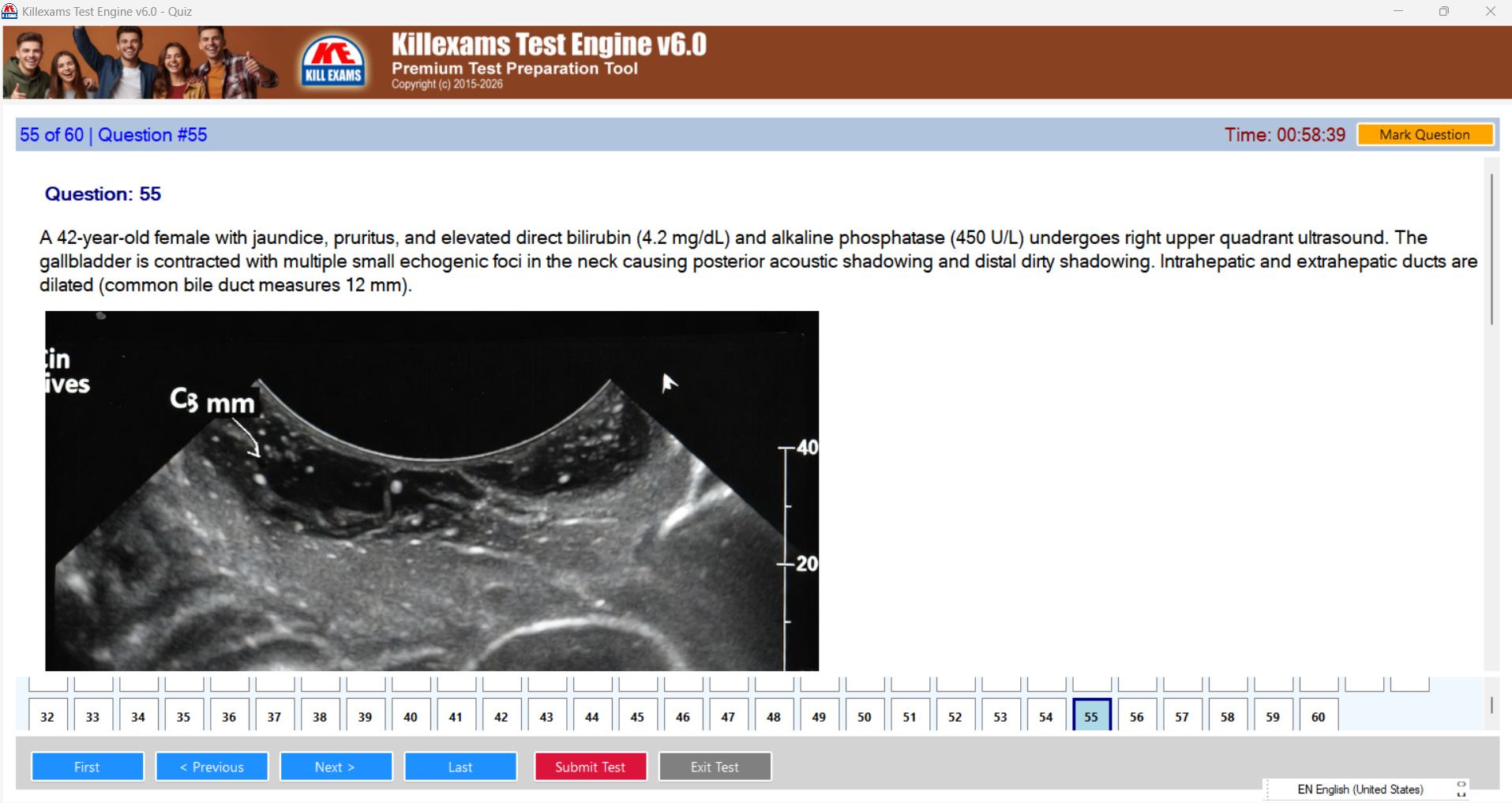
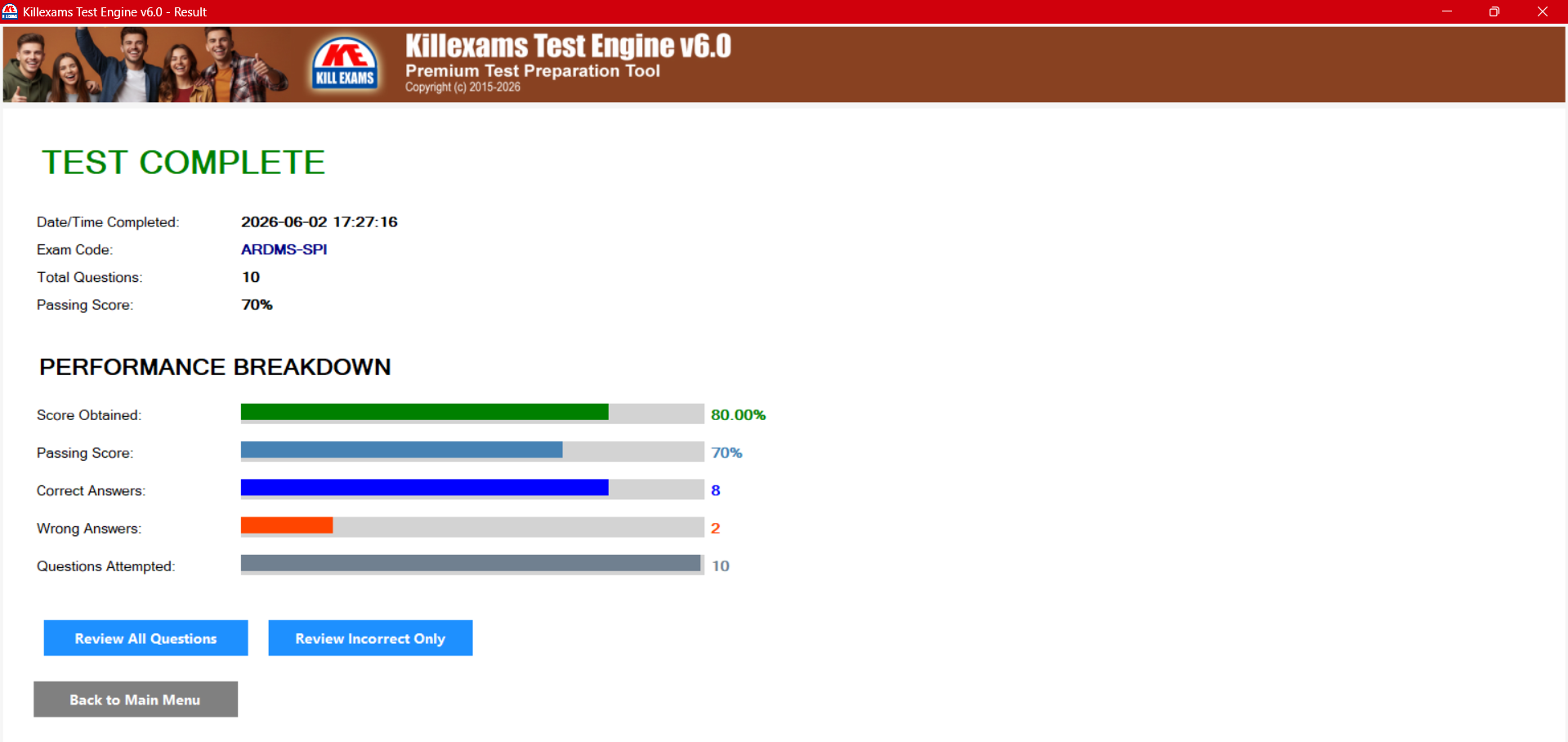

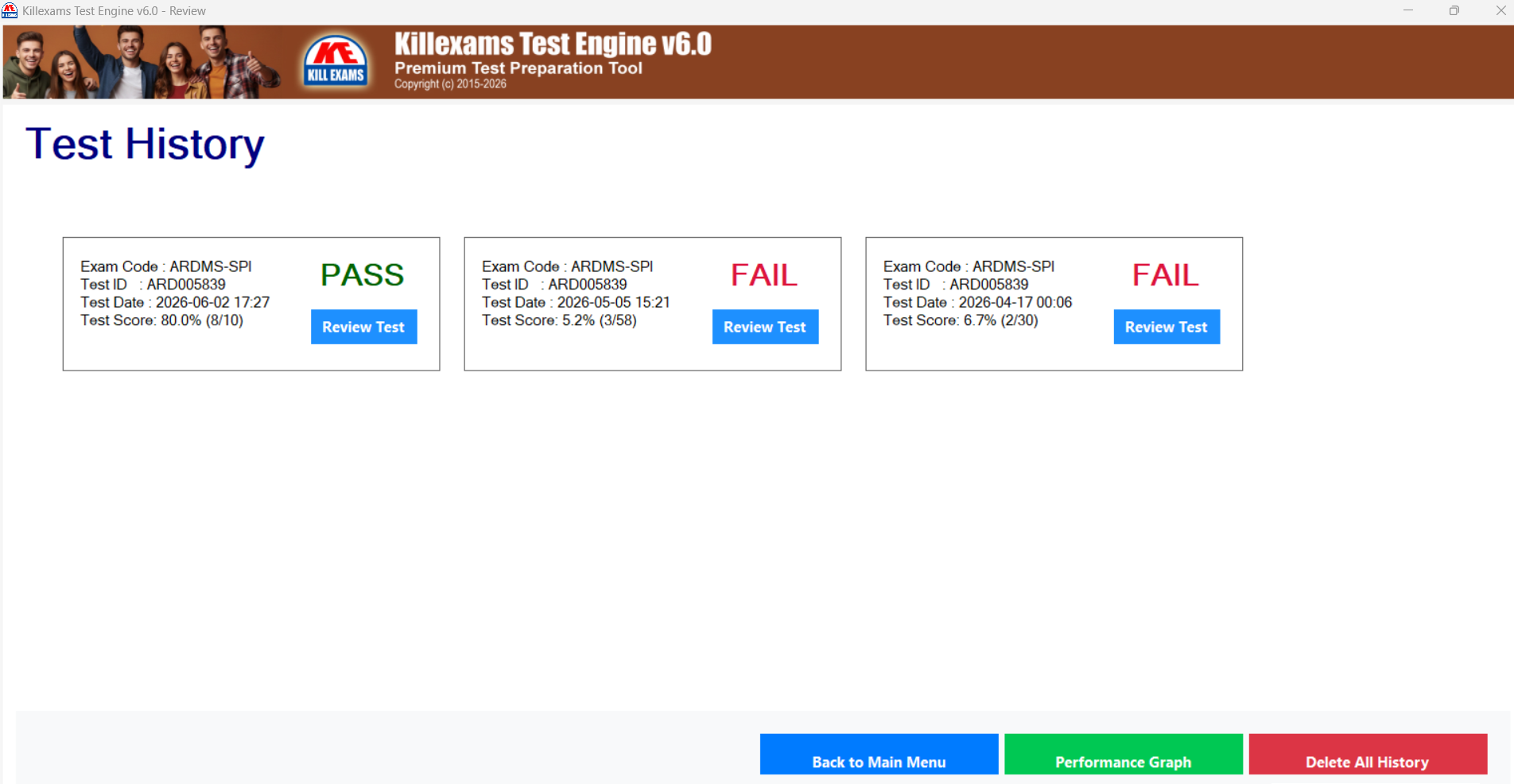
The Desktop Exam Simulator records practice history, performance summaries, and graphical progress reports. Where available, questions may include explanations or reference information to support understanding of correct and incorrect answers. The simulator content is reviewed and updated periodically to remain aligned with current exam objectives and syllabus requirements.
|
3 Months Update
|
6 Months Update
|
12 Months Update
|
|
|---|---|---|---|
What is 3 Months Update?
During 3 months, all future updates in PDF and Test Engine will be provided in your MyAccount with download links. An Intimation email on each update will be sent to you to re-download the updated exam files.
|
What is 6 Months Update?
During 6 months, all future updates in PDF and Test Engine will be provided in your MyAccount with download links. An Intimation email on each update will be sent to you to re-download the updated exam files.
|
What is 12 Months Update?
During 12 months, all future updates in PDF and Test Engine will be provided in your MyAccount with download links. An Intimation email on each update will be sent to you to re-download the updated exam files.
|
|
| Files | PDF / Test Engines | PDF / Test Engines | PDF / Test Engines |
| Premium Access | ✔ | ✔ | ✔ |
| Online Test Engine | ✔ | ✔ | ✔ |
| Instant Download Access | ✔ | ✔ | ✔ |
| Comprehensive Q&A | ✔ | ✔ | ✔ |
| Latest Topics | ✔ | ✔ | ✔ |
| Updated Regularly | ✔ | ✔ | ✔ |
| Portable Files | ✔ | ✔ | ✔ |
| Unlimited Download | ✔ | ✔ | ✔ |
| 100% Secured | ✔ | ✔ | ✔ |
| Confidentiality | 100% | 100% | 100% |
| Syllabus Coverage | Latest | Latest | Latest |
| Any Hidden Cost | No | No | No |
| Auto Renewal | No | No | No |
| Updates Intimation | by Email | by Email | by Email |
| Technical Support | Free | Free | Free |
| PDF Compatibility | Windows, Mac, Android, iOS, Linux | Windows, Mac, Android, iOS, Linux | Windows, Mac, Android, iOS, Linux |
| Desktop Test Engine Compatibility | Windows All Versions | Windows All Versions | Windows All Versions |
| Online Test Engine Compatibility | Mac / Windows / Android / iOS / Linux | Mac / Windows / Android / iOS / Linux | Mac / Windows / Android / iOS / Linux |
HDI-DAST Exam Format | Course Contents | Course Outline | Exam Syllabus | Exam Objectives
Provider: ThinkHDI
Number of Questions in exam: 65 multiple-choice questions
Time Allotted: 75 minutes
Passing score: 80% (i.e. you must answer at least 52 out of 65 correctly)
Role of Desktop Advanced Support Technician
- Desktop Support Industry Evolution
- Explores the historical development of desktop support- from basic hardware troubleshooting to modern- multifaceted IT support roles.
- Covers the impact of technological advancements (e.g.- cloud computing- virtualization- and remote work) on desktop support.
- Discusses the shift from reactive break-fix models to proactive- service-oriented support.
- The Role of the D/AST
- Defines the responsibilities of a D/AST- including advanced troubleshooting- user support- and acting as a liaison between IT and business units.
- Highlights the D/AST’s role in managing complex technical issues- mentoring junior technicians- and ensuring seamless IT operations.
- Emphasizes skills like critical thinking- adaptability- and technical expertise in hardware- software- and network environments.
- The Value of the D/AST
- Examines how D/ASTs contribute to organizational success by improving end-user productivity and minimizing downtime.
- Discusses the importance of aligning IT services with business goals and delivering measurable outcomes (e.g.- reduced incident resolution time).
- Covers the D/AST’s role in enhancing user satisfaction and maintaining IT service quality.
- The Future of Desktop Support
- Explores emerging trends in desktop support- such as automation- artificial intelligence- and self-service technologies.
- Discusses the growing importance of cybersecurity awareness and remote support capabilities.
- Prepares candidates for adapting to evolving technologies and shifting workplace dynamics (e.g.- hybrid work environments).
Framework for Effective Service and Support
- Being a Business Liaison
- Teaches D/ASTs how to act as a bridge between IT and business units- ensuring IT solutions meet business needs.
- Covers skills for communicating technical concepts to non-technical stakeholders.
- Emphasizes building trust and credibility with business leaders.
- Understanding the Business
- Explores how to analyze business processes- goals- and challenges to provide relevant IT support.
- Discusses the importance of understanding the organization’s mission- vision- and key performance indicators (KPIs).
- Includes techniques for identifying business priorities and aligning IT services accordingly.
- Structural Components of the Business
- Examines organizational structures- such as hierarchies- departments- and cross-functional teams.
- Covers how IT support integrates with other business functions (e.g.- HR- finance- operations).
- Discusses the role of governance and compliance in IT service delivery.
- Strategy
- Introduces strategic planning in IT- including aligning desktop support with long-term business objectives.
- Covers how to contribute to IT strategy development and implementation.
- Discusses anticipating future business needs and preparing IT infrastructure accordingly.
- Services
- Defines IT services and their role in supporting business operations.
- Explores service catalogs- service desks- and the importance of clear service definitions.
- Covers how D/ASTs deliver and maintain high-quality IT services.
- Service Level Management
- Introduces service level agreements (SLAs) and their role in setting expectations for IT service delivery.
- Discusses monitoring and reporting on service performance to meet SLA requirements.
- Covers strategies for improving service levels and addressing performance gaps.
- Standard Operating Procedures
- Explains the importance of documented processes for consistent and efficient support.
- Covers creating- maintaining- and updating standard operating procedures (SOPs) for desktop support tasks.
- Discusses how SOPs improve team collaboration and reduce errors.
- Business Alignment
- Focuses on aligning IT support with business goals to maximize value.
- Covers techniques for identifying and prioritizing business-critical IT needs.
- Discusses measuring and demonstrating the impact of IT support on business outcomes.
Business Relationship Management
- Being an Effective Liaison to the Business
- Explores advanced communication and collaboration skills for working with business units.
- Covers techniques for understanding stakeholder needs and advocating for IT solutions.
- Discusses managing expectations and resolving conflicts between IT and business priorities.
- Continual Service Improvement
- Introduces the concept of continual service improvement (CSI) based on ITIL principles.
- Covers identifying opportunities for enhancing IT services and processes.
- Discusses metrics- feedback loops- and iterative improvements to ensure ongoing service excellence.
Advisory Skills
- Advisory Skills
- Teaches how to provide informed recommendations to stakeholders on IT solutions and best practices.
- Covers assessing business needs and proposing technology solutions that align with those needs.
- Emphasizes confidence- credibility- and clarity in advisory roles.
- Being a Technology & Process Advisor
- Discusses advising on hardware- software- and process improvements to enhance efficiency and user experience.
- Covers staying updated on emerging technologies and their potential applications.
- Explores how to guide organizations in adopting new tools and workflows effectively.
Troubleshooting/Problem Solving Skills
- Troubleshooting & Problem Solving
- Covers systematic approaches to diagnosing and resolving hardware- software- and network issues.
- Discusses critical thinking and logical problem-solving methodologies.
- Includes real-world scenarios and best practices for troubleshooting complex issues.
- Incident Management
- Introduces ITIL-based incident management processes to restore services quickly.
- Covers prioritizing- categorizing- and escalating incidents effectively.
- Discusses tools and techniques for tracking and resolving incidents.
- Incident Swarming
- Explores collaborative problem-solving techniques- where multiple team members work together to resolve complex incidents.
- Covers coordinating with cross-functional teams and leveraging collective expertise.
- Discusses best practices for efficient incident swarming and documentation.
- Problem Management
- Focuses on identifying and addressing the root causes of recurring incidents to prevent future occurrences.
- Covers proactive problem management techniques- including trend analysis and risk assessment.
- Discusses creating actionable plans to mitigate underlying issues.
- Root Cause Analysis
- Teaches structured methods for conducting root cause analysis (e.g.- 5 Whys- fishbone diagrams).
- Covers documenting findings and recommending long-term solutions.
- Emphasizes the importance of preventing recurring issues to improve service reliability.
Essential Communication Skills
- Being a Customer Advocate
- Discusses advocating for end-users’ needs while balancing IT policies and constraints.
- Covers building trust and ensuring positive user experiences.
- Includes techniques for handling difficult or frustrated users.
- Active Listening
- Teaches techniques for fully understanding user issues through active listening.
- Covers paraphrasing- clarifying questions- and avoiding assumptions.
- Emphasizes empathy and patience in user interactions.
- Voice Components
- Explores vocal tone- pitch- and pacing to convey professionalism and confidence.
- Discusses adapting communication styles for different audiences (e.g.- technical vs. non-technical).
- Includes strategies for maintaining a calm and approachable demeanor.
- Body Language
- Covers non-verbal communication- such as eye contact- posture- and gestures- in face-to-face interactions.
- Discusses the impact of body language on building rapport and trust.
- Includes tips for maintaining professionalism in virtual and in-person settings.
- Effective Word Choices
- Teaches selecting clear- concise- and appropriate words to avoid misunderstandings.
- Covers tailoring language to the audience’s technical knowledge level.
- Discusses avoiding jargon and overly complex explanations.
- Written Communication
- Focuses on writing clear- professional- and concise emails- tickets- and documentation.
- Covers grammar- tone- and structure for effective written communication.
- Includes best practices for documenting issues and solutions for future reference.
Stakeholder Management Skills
- Stakeholder Management Skills
- Discusses identifying and prioritizing stakeholders in IT support projects.
- Covers strategies for engaging stakeholders and managing their expectations.
- Includes techniques for building long-term- productive relationships.
- Diplomacy
- Teaches navigating sensitive situations and conflicting priorities with tact and professionalism.
- Covers balancing stakeholder needs with IT constraints.
- Discusses maintaining neutrality and fairness in interactions.
- Emotional Intelligence
- Explores understanding and managing emotions in professional interactions.
- Covers self-awareness- self-regulation- and empathy in stakeholder relationships.
- Discusses adapting to different personalities and communication styles.
- Empathy
- Focuses on understanding and addressing stakeholders’ perspectives and concerns.
- Covers building trust through empathetic communication.
- Includes techniques for de-escalating tense situations.
- Negotiation and Conflict Resolution
- Teaches negotiating solutions that satisfy both IT and business stakeholders.
- Covers resolving conflicts constructively through collaboration and compromise.
- Discusses strategies for maintaining positive relationships after conflicts.
Conclusion
- Time Management
- Covers prioritizing tasks- managing workloads- and meeting deadlines in a fast-paced IT environment.
- Includes techniques like time-blocking and task prioritization frameworks (e.g.- Eisenhower Matrix).
- Discusses balancing reactive support tasks with proactive initiatives.
- Project Management
- Introduces basic project management principles for leading or contributing to IT projects.
- Covers planning- executing- and monitoring projects- such as software rollouts or hardware upgrades.
- Discusses collaboration with cross-functional teams and managing project deliverables.
- Managing Your Career
- Provides strategies for advancing in the desktop support field- such as pursuing certifications (e.g.- HDI- ITIL- CompTIA).
- Covers setting career goals- seeking mentorship- and staying updated on industry trends.
- Discusses building a professional network and showcasing value to employers.
Reviews (12)4.33 Overall
★★★★★
42%
★★★★
50%
★★★
8%
★★
0%
★
0%
|
Submit ReviewYou must be logged in to submit a review. Sign In to Submit Review |
Customer Reviews
HDI-DAST Exam FAQs
How long is the HDI-DAST exam?
You have 75 minutes to complete the HDI-DAST exam.
What is the passing score for HDI-DAST?
The passing score for HDI-DAST is 80% (i.e. you must answer at least 52 out of 65 correctly).
What question types are on the HDI-DAST exam?
Format of the HDI-DAST exam: multiple choice.
Which certification does HDI-DAST lead to?
Passing HDI-DAST leads to the Desktop Advanced Support Technician (DAST) credential from HDI.
Are there prerequisites or recommended experience for HDI-DAST?
Intended for: Desktop support technicians.
What topics does the HDI-DAST exam cover, and how are they weighted?
The HDI-DAST exam covers 6 sections: Desktop Support Processes; Troubleshooting Methodology; Hardware, OS and Applications; Networking and Security; Customer Service and Communication; Incident, Problem and Knowledge Management.
How should I prepare for HDI-DAST?
Start with the official HDI-DAST exam outline and study materials from HDI, then build exam readiness with timed practice. A killexams.com premium account gives you the full pool of 1,287 HDI-DAST practice questions and answers in PDF and Test Engine formats, so you can practice every objective and review the answers before exam day.
How long does it take to prepare for HDI-DAST?
At a steady pace of 100 practice questions a day, working through all 1,287 HDI-DAST questions takes about 13 days. Add extra days to repeat the questions you got wrong.
Is HDI-DAST hard? Who is it for?
The HDI Desktop Advanced Support Technician certification is for desktop support professionals who resolve complex end user technology issues.
How many practice questions do you have for HDI-DAST?
The killexams.com HDI-DAST practice test contains 1,287 questions and answers.
Is there a free HDI-DAST sample?
Yes. A free HDI-DAST sample PDF is available on this page, so you can review the question style before you buy.
What formats are included in the HDI-DAST practice test?
The HDI-DAST practice test is available as a PDF, an Online Test Engine and a Desktop Test Engine.
Do the HDI-DAST practice questions cover the current exam objectives?
Yes. The HDI-DAST practice questions cover the complete syllabus and current exam objectives.
How do I get the files after purchase, and how long is access valid?
Your MyAccount login details are delivered by email. You can download the files from the member area until your account expires, after 3, 6 or 12 months depending on the plan you bought.
Can I use the HDI-DAST Test Engine on Mac or mobile?
Yes, with the Online Test Engine, which runs on Mac, iOS, Android, Linux and other platforms. The Desktop Test Engine is for Windows only.
What if I fail the HDI-DAST exam after using your material?
You can choose one of three options: 1) a refund, 2) a free 3-month account extension, or 3) a new exam of your choice.
How many practice questions are available for HDI-DAST?
The HDI-DAST practice test contains 1,287 practice questions and answers covering the current exam objectives.
What formats are available for HDI-DAST preparation?
The HDI-DAST practice test is available as PDF, Online Test Engine, Desktop Test Engine. All formats can be downloaded instantly after purchase.
Is there a free HDI-DAST sample?
Yes. You can preview and download a free HDI-DAST sample PDF on this page before you buy.