


Watchguard-Essentials Exam Questions PDF
| Questions and Answers | 1373 (Complete Set) |
| File Format | |
| Latest Update | November 23, 2026 |
| Files Delivery | Instant (5 to 10 min.) |
| Compatibility | All Desktop and Mobile Devices |
| Delivery Method | Download Account |
WatchGuard Network Security Essentials validates Firebox configuration skills.
WatchGuard Technologies offers network security, identity, Wi Fi and endpoint security products for small and midsize organizations and managed service providers. Its certifications validate the skills to configure and manage WatchGuard products, both locally and through WatchGuard Cloud.
Network engineers use Network Security Essentials (WGU Essentials) to prove hands on knowledge of configuring, verifying and troubleshooting real equipment. Service providers, enterprises and integrators value it because it reduces the risk of misconfiguration in production networks.
The Network Security Essentials (WGU Essentials) exam rewards candidates who understand how protocols behave, not just how to type commands. Building a small lab with virtual routers, switches or firewalls and breaking and fixing it repeatedly is the fastest way to build that understanding.
Each section of the exam has its own focus. Within Firebox Setup, candidates should be comfortable with configuration. Policies focuses on firewall. The NAT area includes translation. Questions on VPN typically involve tunnels.
Preparing for the Watchguard-Essentials exam requires not only understanding the exam topics but also practicing with exam style questions. Our Network Security Essentials (WGU-Essentials) exam questions in practice tests help candidates review key concepts and familiarize themselves with the format and difficulty of exam.
At Killexams.com, our team works to maintain up-to-date practice content for exam preparation. We continuously review and refine our question sets and explanations to cover the latest relevant syllabus areas and help learners strengthen their understanding of core topics before facing the official exam. These Practice tests allow you to identify areas where you need improvement by measuring your readiness, and provide you exam questions to polish those areas.
Watchguard-Essentials Exam Questions Preview
The exam is online.
WatchGuard publishes the official format for Watchguard-Essentials, including how many questions are asked, how long you have and what score is needed to pass. Use those figures to set up timed practice that mirrors the format, and aim to finish practice tests with some time to spare.
One effective way to prepare for Watchguard-Essentials is to work through the sections in order. Allow roughly 6 weeks, giving each major area its own block: begin with Firebox Setup, continue with Policies, NAT and VPN, and finish with Security Services and Monitoring. For each area, collect key definitions, a few examples and the mistakes you made in practice, then review them weekly. In the last week, switch from reading to timed mixed practice so the exam pace feels familiar.
For Watchguard-Essentials, build a lab with virtual devices and configure each feature in the objectives from scratch. Use show and debug commands to watch how protocols behave, and practice troubleshooting by deliberately introducing errors.
Draw topology diagrams and packet flows as you study Watchguard-Essentials. Being able to explain how a route is learned, selected and advertised, or how a packet is processed by a firewall, makes multiple choice questions much easier.
| Detail | Information |
|---|---|
| Format | Online |
| Provider | WatchGuard |
To help you evaluate our material, you may download free sample pdf with example questions and answers that we provide. This sample allows you to review content and approach before deciding on Premium materials..
The Network Security Essentials (WGU-Essentials) practice test files contains 1373 Questions, are compatible with multiple devices, including Windows, macOS, iOS, and Android, and can be used for both online and offline study. The PDF format is printable, making it easy to study during travel or when away from a computer. Access to updated materials is available through your online account.
After purchase, you will receive your username and password immediately, allowing you to log in and download your study files without delay. Our goal is to support exam preparation at your pace with practice content designed for reinforcement and understanding of key concepts.
The killexams.com WatchGuard Essentials question bank covers Firebox with explanations.
Killexams.com Watchguard-Essentials practice sets cover Firebox Setup, Policies, NAT and VPN, so each study session maps directly to a part of the exam. Working through these sets two or three times, and reviewing every explanation, is a reliable way to raise your score before exam day.
Candidates who use the killexams.com Watchguard-Essentials question bank often begin with a diagnostic session to see which sections need the most attention, then return to those sections repeatedly before taking a final full length practice test.
Killexams.com keeps the Watchguard-Essentials question bank current by reviewing it when the exam outline changes, and each question includes an explanation so you learn the reasoning, not just the answer. The practice test can be repeated with questions in a different order, which helps you focus on understanding rather than memorizing positions.
Online Test Engine
| Exam Questions | 1373 (Complete Set) |
| Testing Limit | Unlimited |
| Access Type | Online |
| Latest Update | November 23, 2026 |
| Access Activation | Instant (5 to 10 min.) |
| Supported OS | Mac, Windows, Android, iPhone / iPad, Linux |
| Delivery Method | Username / Password |
Killexams.com provides an Online Test Engine designed to help candidates practice exam questions in a structured and interactive environment. The Test Engine is compatible with iPhone, iPad, Android, Windows, and Mac, allowing you to study and practice on the device that best fits your schedule.
The Watchguard-Essentials Online Test Engine enables candidates to simulate exam-style practice sessions, review answers, and track progress over time. This learning approach helps users practice exam questions, question formats and improve time management while preparing for the Network Security Essentials (WGU-Essentials) exam.
The Test Engine includes features that support effective learning, such as customizable practice sessions, question review modes, and progress tracking. These tools are designed to assist candidates in identifying knowledge gaps and reinforcing key concepts through repeated practice rather than memorization alone.
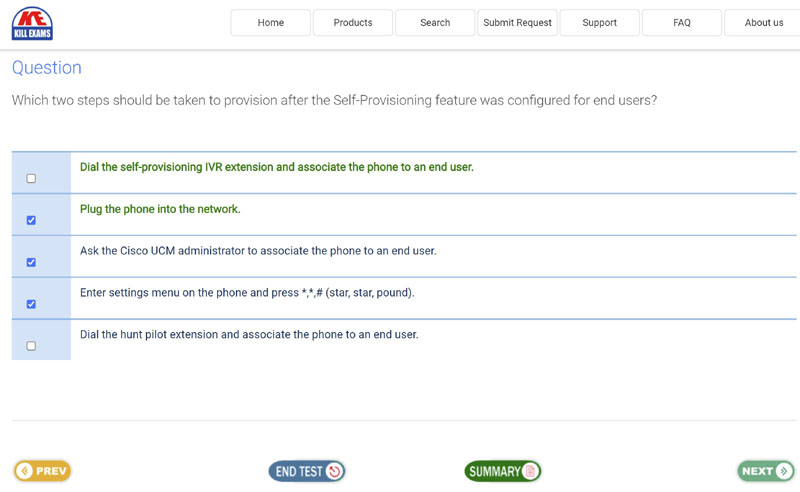
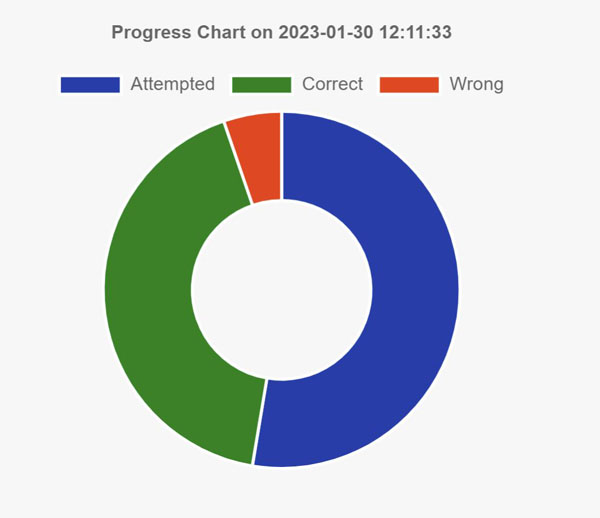
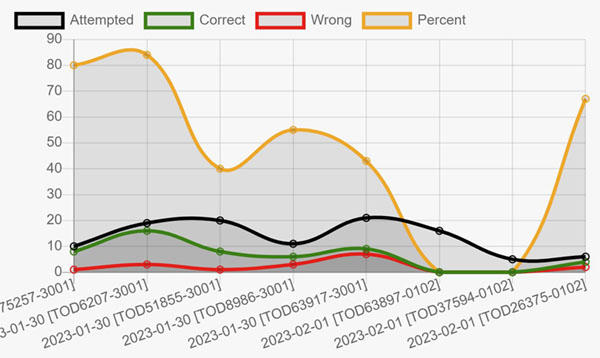
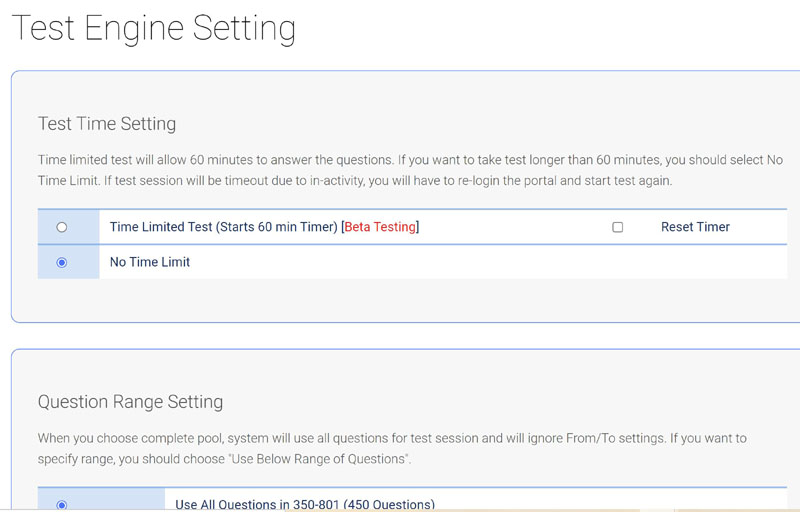
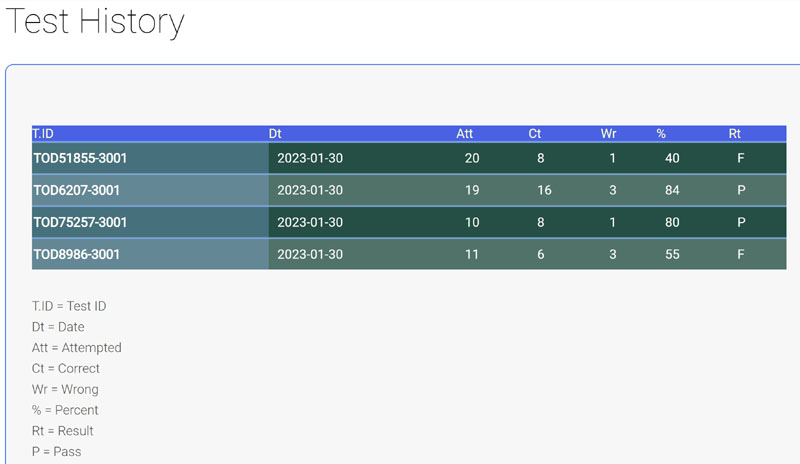
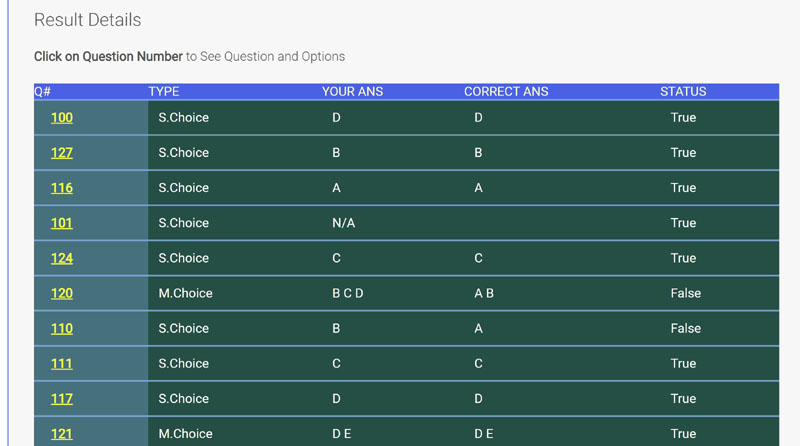
The Online Test Engine maintains practice history, performance summaries, and visual progress reports. Where available, questions may include explanations or reference information to support better understanding of exam topics. Content is reviewed and updated periodically to reflect relevant syllabus changes and maintain consistency with exam objectives.
Desktop Test Engine
| Exam Questions | 1373 (Complete Set) |
| Software Version | 2026 |
| Access | Unlimited |
| Latest Update | November 23, 2026 |
| Access Activation | Instant (5 to 10 min.) |
| Supported OS | Windows (All Versions) |
| Delivery Method | Username / Password |
| Test Engine Trial Software | Killexams Test Engine 2026 |
The Killexams Desktop Test Engine (version 2026) is a dedicated test preparation software designed to support candidates preparing for the Watchguard-Essentials exam. The simulator provides a structured desktop based practice environment that allows users to work through exam style questions and review their performance in detail.
By practicing with the Network Security Essentials (WGU-Essentials) Exam Simulator, candidates can become familiar with question formats, exam navigation, and time based testing conditions similar to those used in official exams. This experience helps users build confidence across testing environment, time management, exam topics and identify areas that may require additional study.
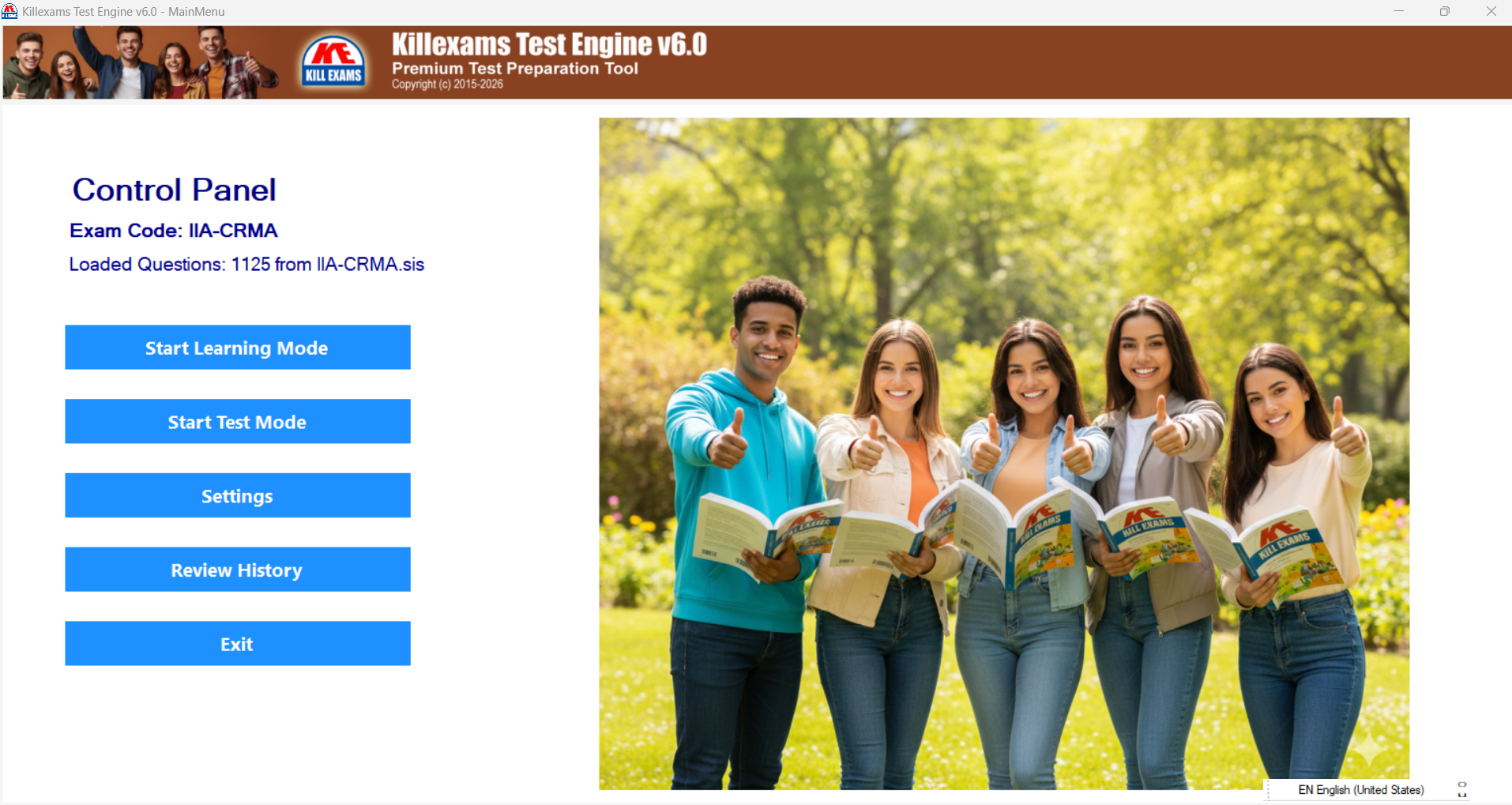

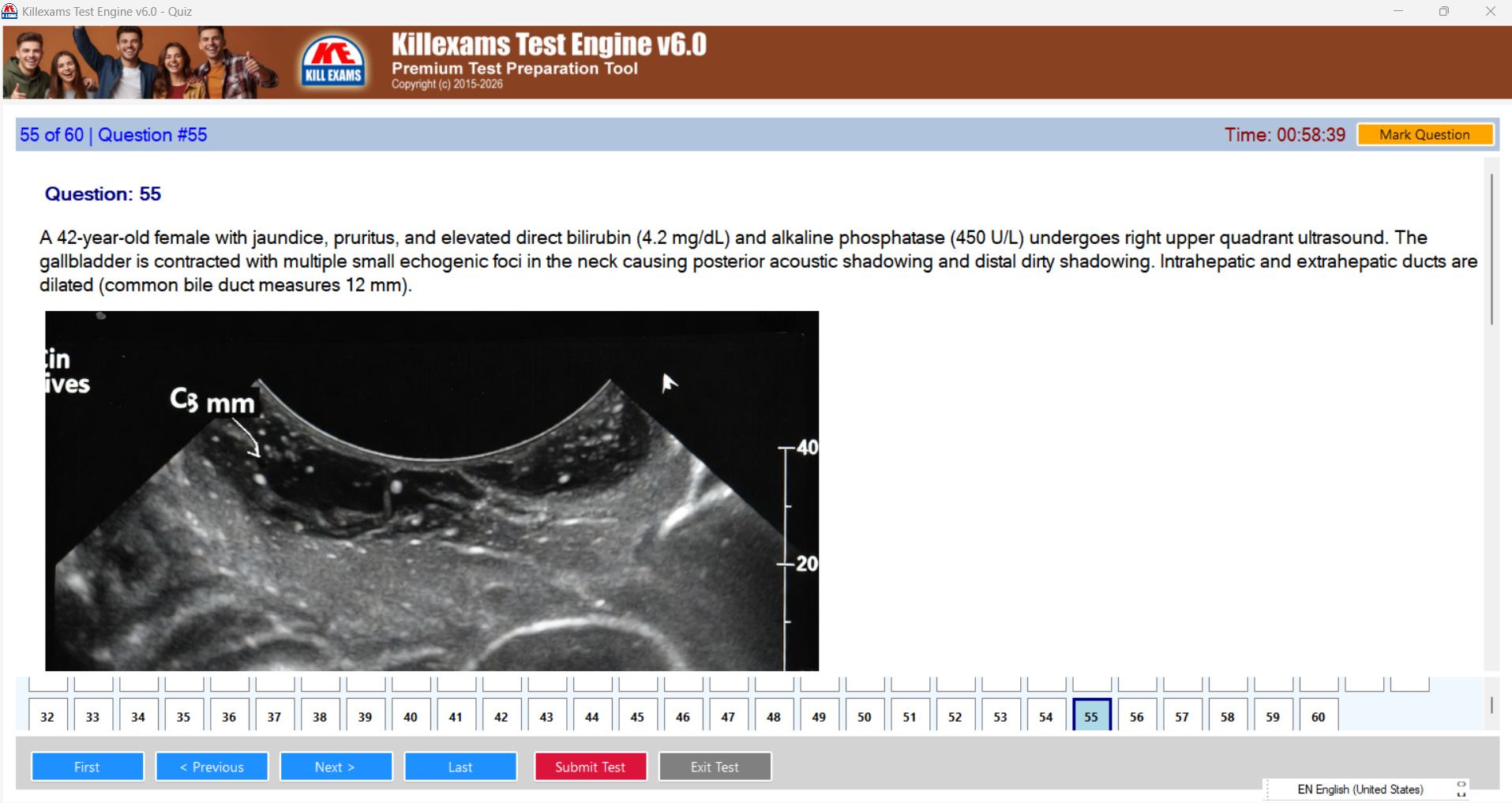
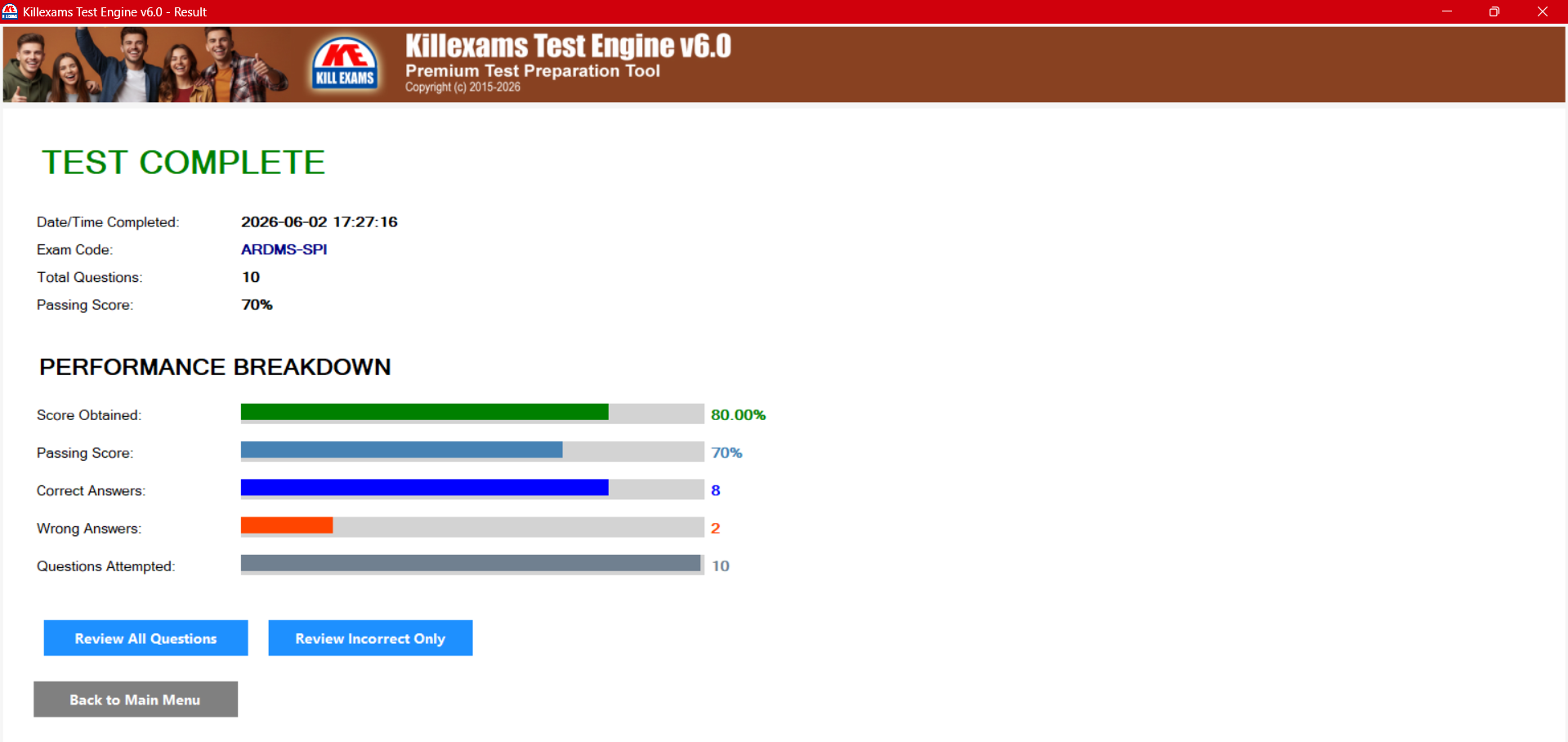

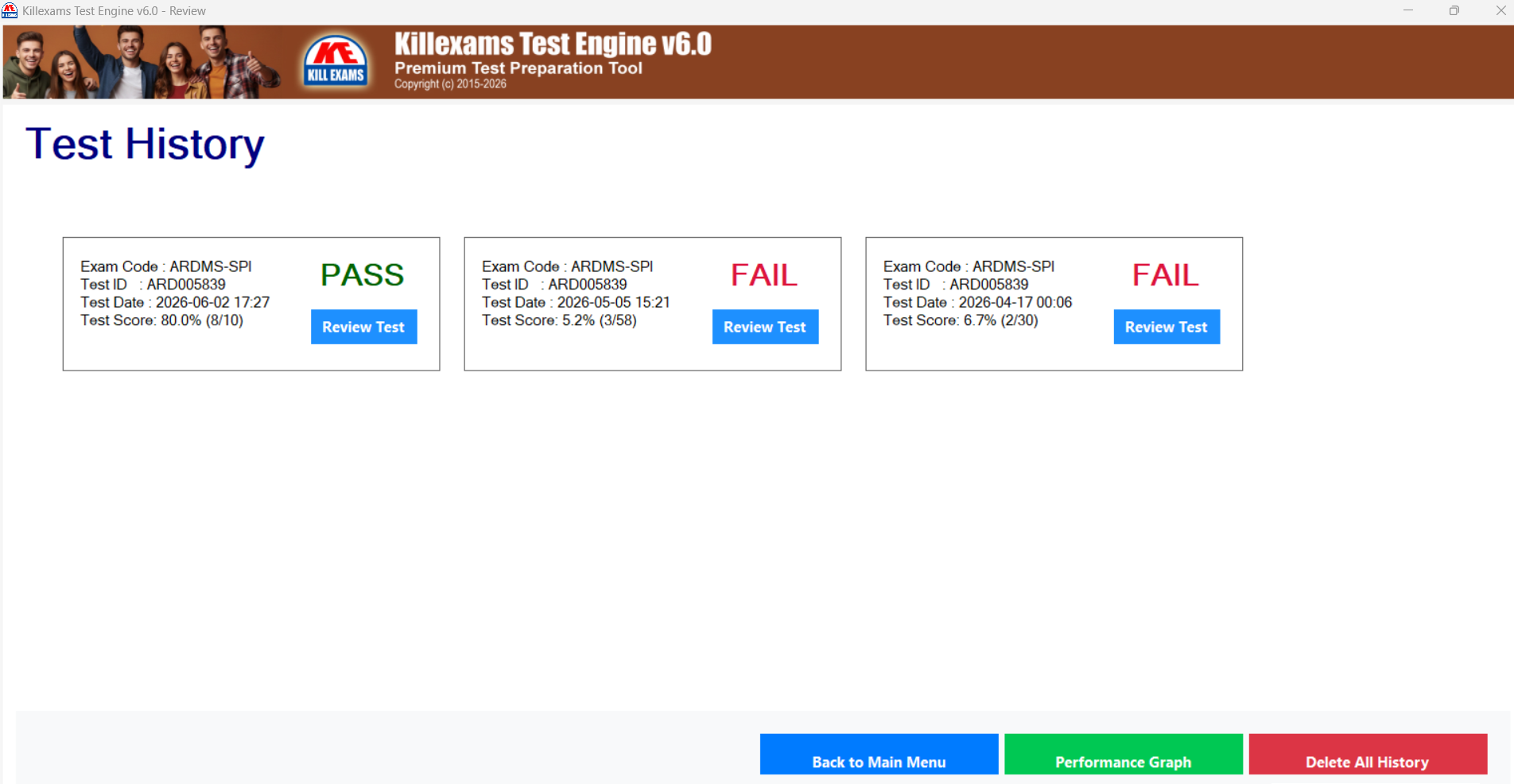
The Desktop Exam Simulator records practice history, performance summaries, and graphical progress reports. Where available, questions may include explanations or reference information to support understanding of correct and incorrect answers. The simulator content is reviewed and updated periodically to remain aligned with current exam objectives and syllabus requirements.
Certification Information
| Related Certification(s) | : Fireware Essentials Technical Certification |
Other Watchguard Practice Exams
Network-Security-Essentials-Cloud | Network-Security-Essentials-Local | Watchguard-Essentials | Identity-Security-Essentials | Wi-Fi-Essentials | Endpoint-Security-Essentials | View all ›
|
3 Months Update
|
6 Months Update
|
12 Months Update
|
|
|---|---|---|---|
What is 3 Months Update?
During 3 months, all future updates in PDF and Test Engine will be provided in your MyAccount with download links. An Intimation email on each update will be sent to you to re-download the updated exam files.
|
What is 6 Months Update?
During 6 months, all future updates in PDF and Test Engine will be provided in your MyAccount with download links. An Intimation email on each update will be sent to you to re-download the updated exam files.
|
What is 12 Months Update?
During 12 months, all future updates in PDF and Test Engine will be provided in your MyAccount with download links. An Intimation email on each update will be sent to you to re-download the updated exam files.
|
|
| Files | PDF / Test Engines | PDF / Test Engines | PDF / Test Engines |
| Premium Access | ✔ | ✔ | ✔ |
| Online Test Engine | ✔ | ✔ | ✔ |
| Instant Download Access | ✔ | ✔ | ✔ |
| Comprehensive Q&A | ✔ | ✔ | ✔ |
| Latest Topics | ✔ | ✔ | ✔ |
| Updated Regularly | ✔ | ✔ | ✔ |
| Portable Files | ✔ | ✔ | ✔ |
| Unlimited Download | ✔ | ✔ | ✔ |
| 100% Secured | ✔ | ✔ | ✔ |
| Confidentiality | 100% | 100% | 100% |
| Syllabus Coverage | Latest | Latest | Latest |
| Any Hidden Cost | No | No | No |
| Auto Renewal | No | No | No |
| Updates Intimation | by Email | by Email | by Email |
| Technical Support | Free | Free | Free |
| PDF Compatibility | Windows, Mac, Android, iOS, Linux | Windows, Mac, Android, iOS, Linux | Windows, Mac, Android, iOS, Linux |
| Desktop Test Engine Compatibility | Windows All Versions | Windows All Versions | Windows All Versions |
| Online Test Engine Compatibility | Mac / Windows / Android / iOS / Linux | Mac / Windows / Android / iOS / Linux | Mac / Windows / Android / iOS / Linux |
Watchguard-Essentials Exam Format | Course Contents | Course Outline | Exam Syllabus | Exam Objectives
Watchguard-Essentials Network Security Essentials (WGU-Essentials)
- Firewall Fundamentals: Understanding the role of a firewall in network security.
- WatchGuard Firebox Overview: Features- models- and capabilities of WatchGuard Firebox appliances.
- Firewall Policies: Default policies- custom policies- and policy ordering.
- Stateful Packet Inspection (SPI): How WatchGuard inspects and filters traffic.
- Network Address Translation (NAT): Static NAT- dynamic NAT- and NAT traversal.
- Initial Firebox Configuration
- Setup Wizard: Using the Quick Setup Wizard for initial configuration.
- Network Interfaces: Configuring trusted- optional- and external interfaces.
- Default Policies: Understanding and modifying default firewall policies.
- Basic Routing: Static routes and default gateway configuration.
- Firebox Management: Accessing the Firebox via Web UI- WatchGuard System Manager (WSM)- and CLI.
- WatchGuard System Manager (WSM)
- WSM Overview: Features and components of WatchGuard System Manager.
- Firebox Monitoring: Real-time monitoring of traffic- logs- and alerts.
- Configuration Management: Saving- restoring- and managing Firebox configurations.
- Logging and Reporting: Configuring log settings and generating reports.
- Policy Manager: Creating and managing firewall policies.
- Firewall Policies and Rules
- Policy Types: Understanding packet filter- proxy- and custom policies.
- Policy Actions: Allow- deny- and tunnel actions.
- Application Control: Managing application-layer traffic.
- User Authentication: Configuring authentication for policies (e.g.- Firebox-DB- LDAP- RADIUS).
- Scheduled Policies: Applying policies based on time schedules.
- Network Security Features
- Intrusion Prevention System (IPS): Configuring and managing IPS to detect and prevent attacks.
- Gateway Antivirus (AV): Enabling and configuring antivirus scanning for HTTP- FTP- and SMTP traffic.
- Reputation Enabled Defense (RED): Blocking traffic from known malicious sources.
- WebBlocker: Filtering web traffic based on categories and URLs.
- Data Loss Prevention (DLP): Preventing sensitive data from leaving the network.
- VPN Configuration
- VPN Basics: Understanding site-to-site and mobile VPNs.
- Branch Office VPN (BOVPN): Configuring VPN tunnels between Fireboxes.
- Mobile VPN: Setting up Mobile VPN with SSL- IPSec- and L2TP.
- VPN Authentication: Using pre-shared keys and certificates for VPNs.
- VPN Monitoring: Monitoring VPN tunnels and troubleshooting connectivity.
- Advanced Firebox Features
- High Availability (HA): Configuring active-passive and active-active HA setups.
- Quality of Service (QoS): Prioritizing traffic based on policies.
- Dynamic DNS: Configuring Dynamic DNS for remote management.
- Traffic Management: Shaping and limiting bandwidth usage.
- Multicast Support: Enabling and managing multicast traffic.
- Troubleshooting and Maintenance
- Diagnostic Tools: Using tools like ping- traceroute- and packet capture.
- Log Analysis: Interpreting logs for troubleshooting.
- Firmware Updates: Upgrading Firebox firmware and WSM software.
- Backup and Restore: Backing up configurations and restoring them.
- Common Issues: Resolving connectivity- policy- and VPN issues.
- WatchGuard Cloud and Subscription Services
- WatchGuard Cloud Overview: Features and benefits of cloud-based management.
- Subscription Services: Understanding and managing security subscriptions (e.g.- IPS- AV- WebBlocker).
- Dimension: Using WatchGuard Dimension for advanced reporting and analytics.
- Threat Detection and Response (TDR): Leveraging TDR for advanced threat detection.
- Security Best Practices
- Firewall Hardening: Securing the Firebox against unauthorized access.
- Policy Optimization: Creating efficient and effective firewall policies.
- Regular Audits: Conducting security audits and reviews.
- Incident Response: Responding to security incidents and breaches.
- Firebox: WatchGuard's firewall appliance.
- WSM (WatchGuard System Manager): Software for managing Firebox devices.
- BOVPN (Branch Office VPN): VPN for connecting remote offices.
- Mobile VPN: VPN for remote users.
- IPS (Intrusion Prevention System): Detects and prevents network attacks.
- Gateway AV (Antivirus): Scans incoming and outgoing traffic for malware.
- WebBlocker: Filters web traffic based on categories.
- RED (Reputation Enabled Defense): Blocks traffic from malicious sources.
- Dimension: WatchGuard's reporting and analytics platform.
- HA (High Availability): Ensures network uptime through redundancy.
Reviews (12)4.58 Overall
★★★★★
58%
★★★★
42%
★★★
0%
★★
0%
★
0%
|
Submit ReviewYou must be logged in to submit a review. Sign In to Submit Review |
Customer Reviews
Watchguard-Essentials Exam FAQs
What topics does the Watchguard-Essentials exam cover, and how are they weighted?
The Watchguard-Essentials exam covers 6 sections: Firebox Setup; Policies; NAT; VPN; Security Services; Monitoring.
How should I prepare for Watchguard-Essentials?
Start with the official Watchguard-Essentials exam outline and study materials from WatchGuard, then build exam readiness with timed practice. A killexams.com premium account gives you the full pool of 1,373 Watchguard-Essentials practice questions and answers in PDF and Test Engine formats, so you can practice every objective and review the answers before exam day.
How long does it take to prepare for Watchguard-Essentials?
At a steady pace of 100 practice questions a day, working through all 1,373 Watchguard-Essentials questions takes about 14 days. Add extra days to repeat the questions you got wrong.
Is Watchguard-Essentials hard? Who is it for?
WatchGuard Network Security Essentials validates Firebox configuration skills.
How many practice questions do you have for Watchguard-Essentials?
The killexams.com Watchguard-Essentials practice test contains 1,373 questions and answers.
Is there a free Watchguard-Essentials sample?
Yes. A free Watchguard-Essentials sample PDF is available on this page, so you can review the question style before you buy.
What formats are included in the Watchguard-Essentials practice test?
The Watchguard-Essentials practice test is available as a PDF, an Online Test Engine and a Desktop Test Engine.
Do the Watchguard-Essentials practice questions cover the current exam objectives?
Yes. The Watchguard-Essentials practice questions cover the complete syllabus and current exam objectives.
How do I get the files after purchase, and how long is access valid?
Your MyAccount login details are delivered by email. You can download the files from the member area until your account expires, after 3, 6 or 12 months depending on the plan you bought.
Can I use the Watchguard-Essentials Test Engine on Mac or mobile?
Yes, with the Online Test Engine, which runs on Mac, iOS, Android, Linux and other platforms. The Desktop Test Engine is for Windows only.
What if I fail the Watchguard-Essentials exam after using your material?
You can choose one of three options: 1) a refund, 2) a free 3-month account extension, or 3) a new exam of your choice.
How many practice questions are available for Watchguard-Essentials?
The Watchguard-Essentials practice test contains 1,373 practice questions and answers covering the current exam objectives.
What formats are available for Watchguard-Essentials preparation?
The Watchguard-Essentials practice test is available as PDF, Online Test Engine, Desktop Test Engine. All formats can be downloaded instantly after purchase.
Is there a free Watchguard-Essentials sample?
Yes. You can preview and download a free Watchguard-Essentials sample PDF on this page before you buy.