



CLAD Exam Questions PDF
| Questions and Answers | 677 (Complete Set) |
| File Format | |
| Latest Update | November 23, 2026 |
| Files Delivery | Instant (5 to 10 min.) |
| Compatibility | All Desktop and Mobile Devices |
| Delivery Method | Download Account |
The NI Certified LabVIEW Associate Developer validates foundational LabVIEW skills.
Partners and consulting firms often need certified staff to maintain their status with the vendor, so Certified LabVIEW Associate Developer can directly support career progression. It also gives you a structured way to learn features you may not use every day.
The Certified LabVIEW Associate Developer credential validates practical skill with a specific product or platform, which is exactly what employers, partners and customers look for when they staff projects. Exam questions are usually based on real configuration, development or administration tasks.
A closer look at the content shows how each area is built. LabVIEW Environment covers navigation. Within Data Types, candidates should be comfortable with structures. Programming Structures focuses on loops. The Arrays and Clusters area includes data.
Preparing for the CLAD exam requires not only understanding the exam topics but also practicing with exam style questions. Our Certified LabVIEW Associate Developer exam questions in practice tests help candidates review key concepts and familiarize themselves with the format and difficulty of exam.
At Killexams.com, our team works to maintain up-to-date practice content for exam preparation. We continuously review and refine our question sets and explanations to cover the latest relevant syllabus areas and help learners strengthen their understanding of core topics before facing the official exam. These Practice tests allow you to identify areas where you need improvement by measuring your readiness, and provide you exam questions to polish those areas.
CLAD Exam Questions Preview
CLAD has 40 questions over one hour.
A practical study plan for CLAD follows the structure of the outline. Allow roughly 7 weeks, giving each major area its own block: begin with LabVIEW Environment, continue with Data Types; Programming Structures; and Arrays and Clusters, and finish with Debugging, Design Patterns and File IO. Summarize every area on a single page and use those pages for quick revision before the exam. In the last week, switch from reading to timed mixed practice so the exam pace feels familiar.
Many CLAD questions describe a business requirement and ask which feature or configuration meets it best. Practice by taking real requirements from your work and deciding how you would implement them.
Keep a short list of features you rarely use and review them before the CLAD exam. Timed practice tests in the final week show whether your knowledge is broad enough to cover every section.
| Detail | Information |
|---|---|
| Questions | 40 |
| Duration | 1 hour |
| Provider | NI (Emerson) |
To help you evaluate our material, you may download free sample pdf with example questions and answers that we provide. This sample allows you to review content and approach before deciding on Premium materials..
The Certified LabVIEW Associate Developer practice test files contains 677 Questions, are compatible with multiple devices, including Windows, macOS, iOS, and Android, and can be used for both online and offline study. The PDF format is printable, making it easy to study during travel or when away from a computer. Access to updated materials is available through your online account.
After purchase, you will receive your username and password immediately, allowing you to log in and download your study files without delay. Our goal is to support exam preparation at your pace with practice content designed for reinforcement and understanding of key concepts.
The killexams.com CLAD question bank covers LabVIEW with explanations.
Killexams.com CLAD practice sets cover LabVIEW Environment; Data Types; Programming Structures; and Arrays and Clusters, so each study session maps directly to a part of the exam. Working through these sets two or three times, and reviewing every explanation, is a reliable way to raise your score before exam day.
Killexams.com keeps the CLAD question bank current by reviewing it when the exam outline changes, and each question includes an explanation so you learn the reasoning, not just the answer. The practice test can be repeated with questions in a different order, which helps you focus on understanding rather than memorizing positions.
Candidates who use the killexams.com CLAD question bank often begin with a diagnostic session to see which sections need the most attention, then return to those sections repeatedly before taking a final full length practice test.
Online Test Engine
| Exam Questions | 677 (Complete Set) |
| Testing Limit | Unlimited |
| Access Type | Online |
| Latest Update | November 23, 2026 |
| Access Activation | Instant (5 to 10 min.) |
| Supported OS | Mac, Windows, Android, iPhone / iPad, Linux |
| Delivery Method | Username / Password |
Killexams.com provides an Online Test Engine designed to help candidates practice exam questions in a structured and interactive environment. The Test Engine is compatible with iPhone, iPad, Android, Windows, and Mac, allowing you to study and practice on the device that best fits your schedule.
The CLAD Online Test Engine enables candidates to simulate exam-style practice sessions, review answers, and track progress over time. This learning approach helps users practice exam questions, question formats and improve time management while preparing for the Certified LabVIEW Associate Developer exam.
The Test Engine includes features that support effective learning, such as customizable practice sessions, question review modes, and progress tracking. These tools are designed to assist candidates in identifying knowledge gaps and reinforcing key concepts through repeated practice rather than memorization alone.
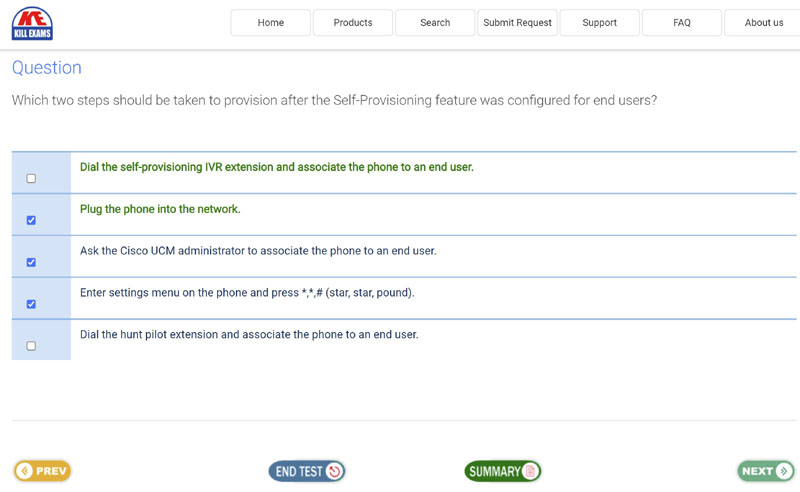
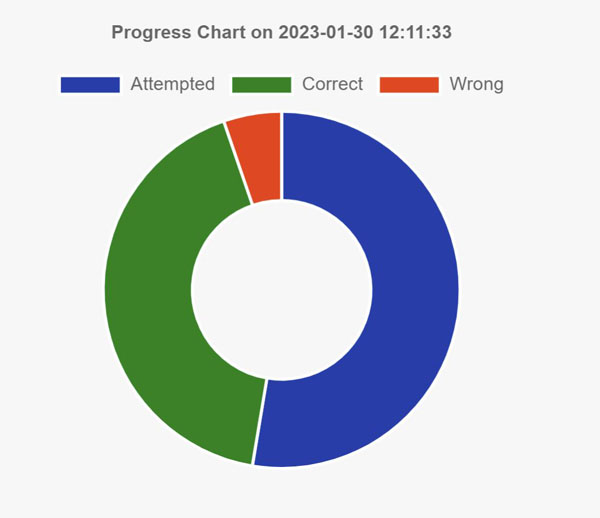
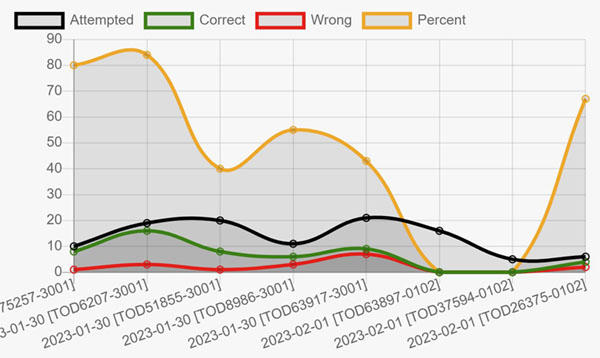
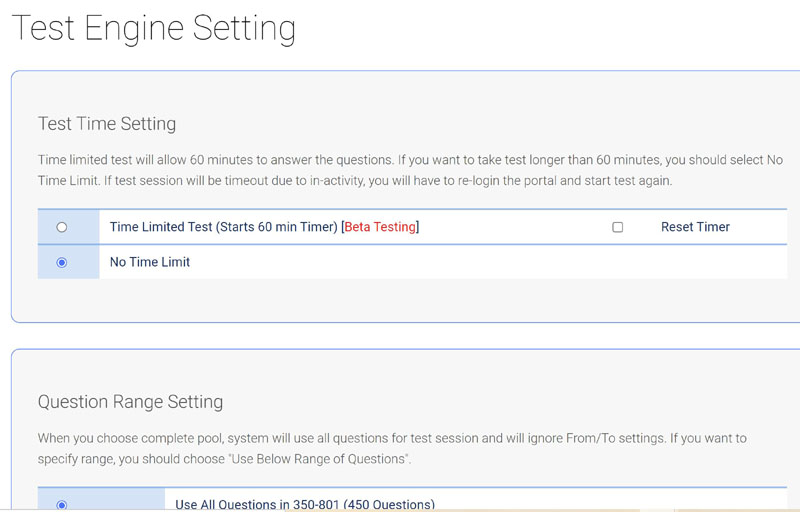
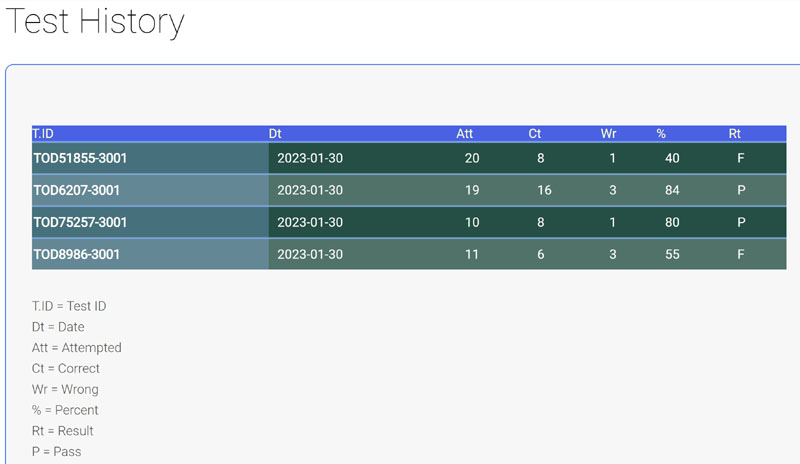
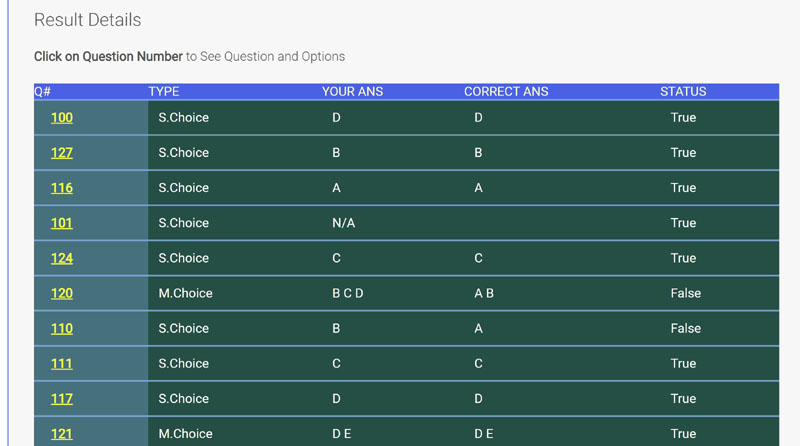
The Online Test Engine maintains practice history, performance summaries, and visual progress reports. Where available, questions may include explanations or reference information to support better understanding of exam topics. Content is reviewed and updated periodically to reflect relevant syllabus changes and maintain consistency with exam objectives.
Desktop Test Engine
| Exam Questions | 677 (Complete Set) |
| Software Version | 2026 |
| Access | Unlimited |
| Latest Update | November 23, 2026 |
| Access Activation | Instant (5 to 10 min.) |
| Supported OS | Windows (All Versions) |
| Delivery Method | Username / Password |
| Test Engine Trial Software | Killexams Test Engine 2026 |
The Killexams Desktop Test Engine (version 2026) is a dedicated test preparation software designed to support candidates preparing for the CLAD exam. The simulator provides a structured desktop based practice environment that allows users to work through exam style questions and review their performance in detail.
By practicing with the Certified LabVIEW Associate Developer Exam Simulator, candidates can become familiar with question formats, exam navigation, and time based testing conditions similar to those used in official exams. This experience helps users build confidence across testing environment, time management, exam topics and identify areas that may require additional study.
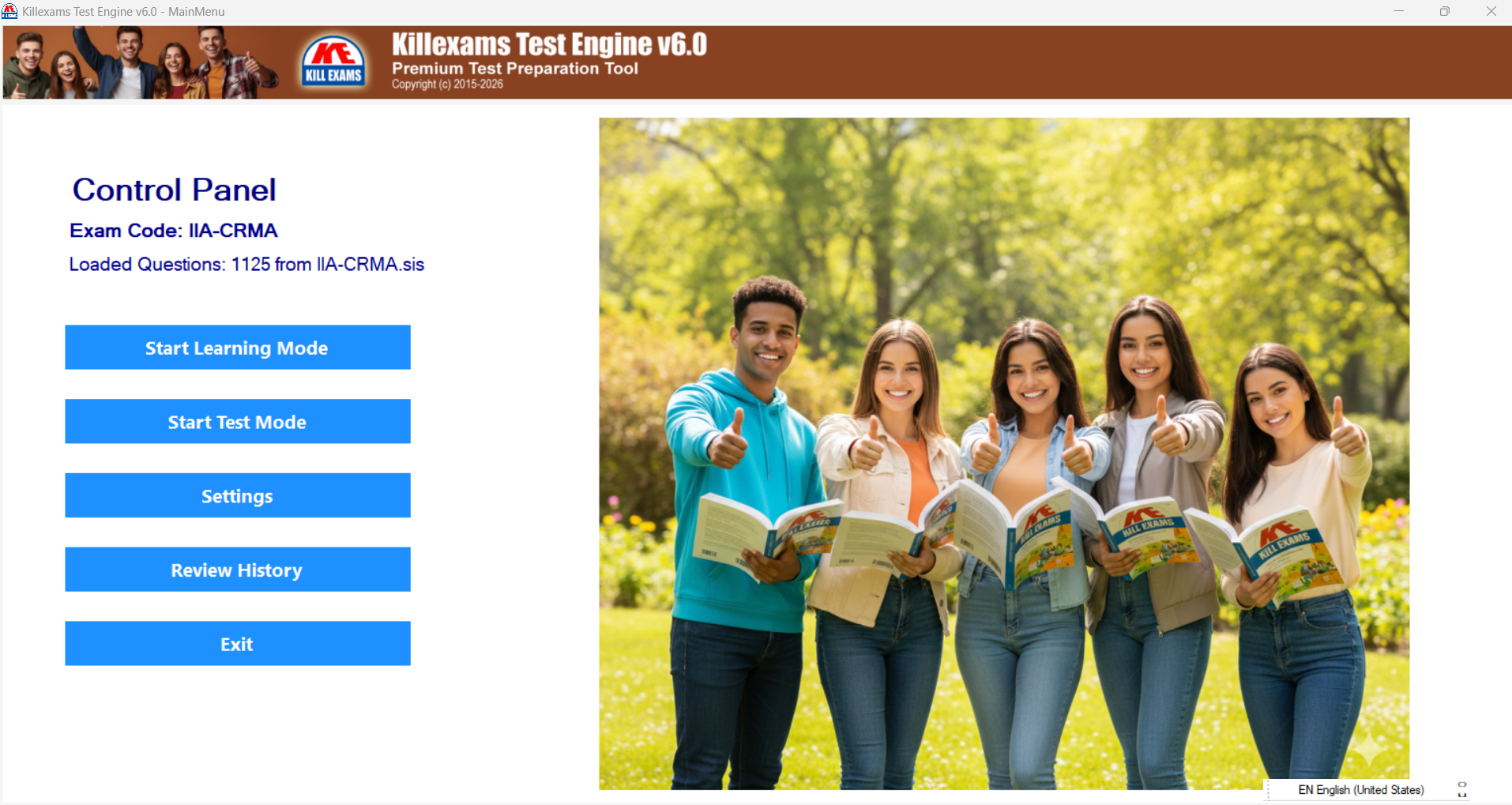
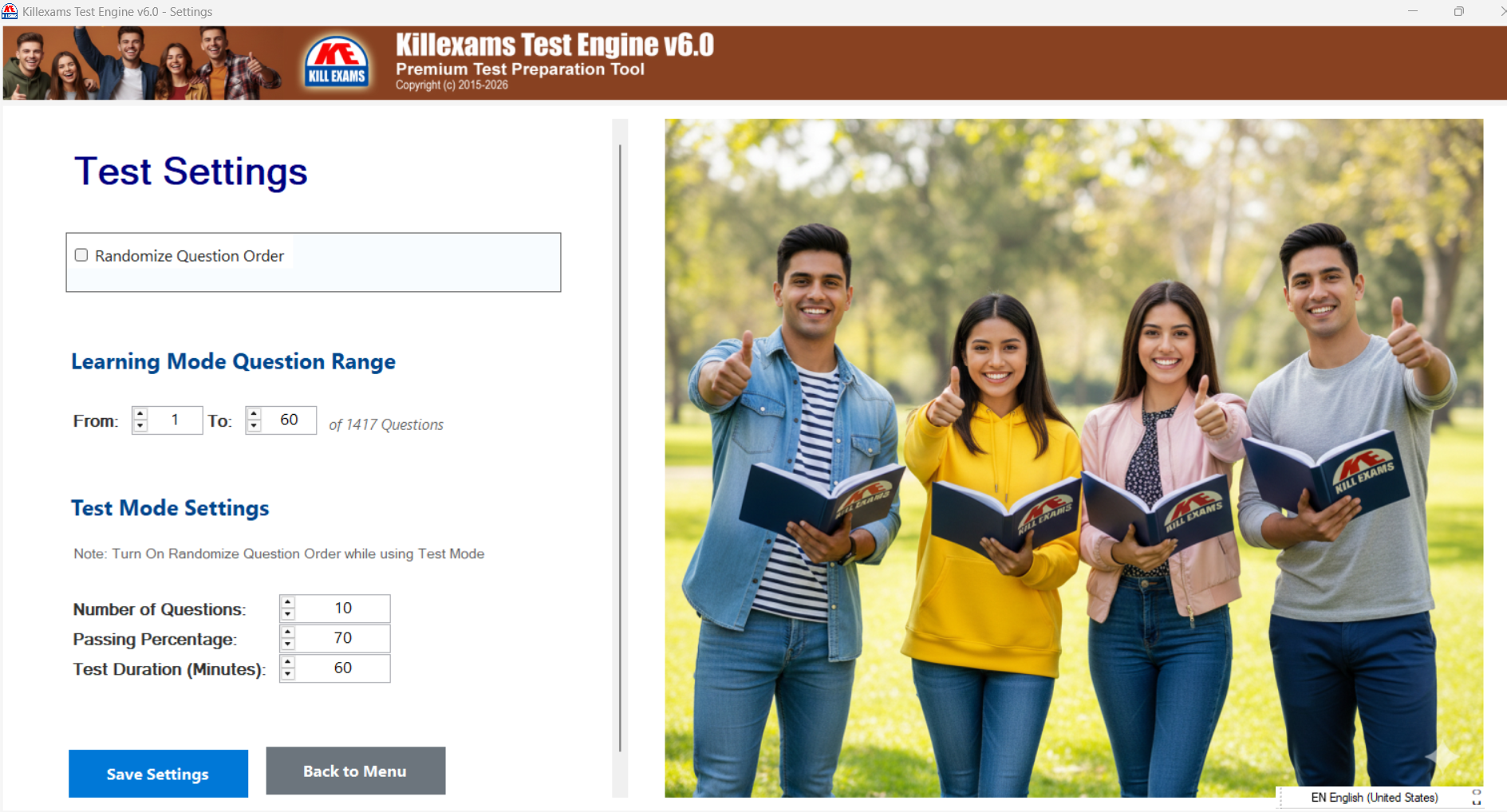
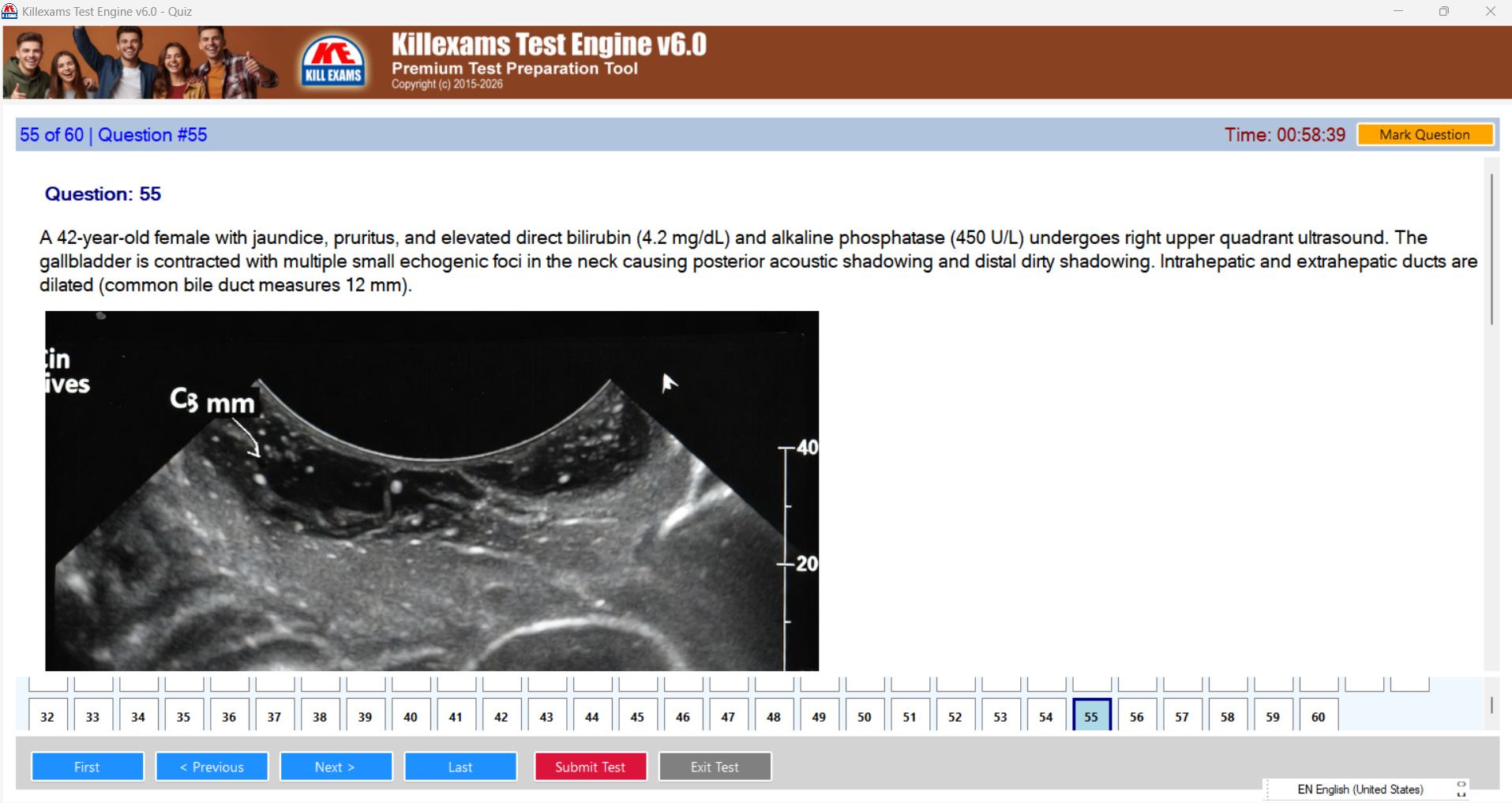
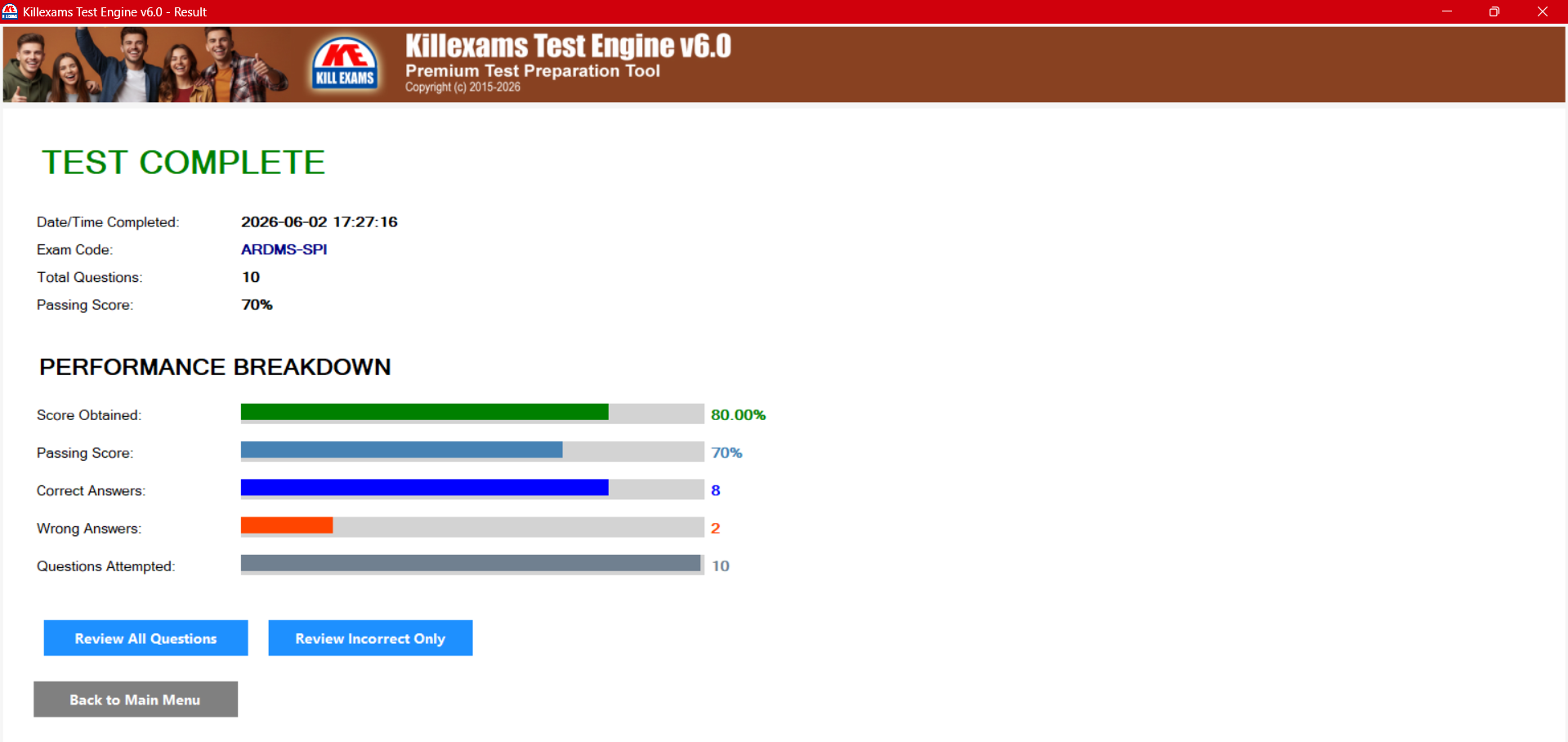

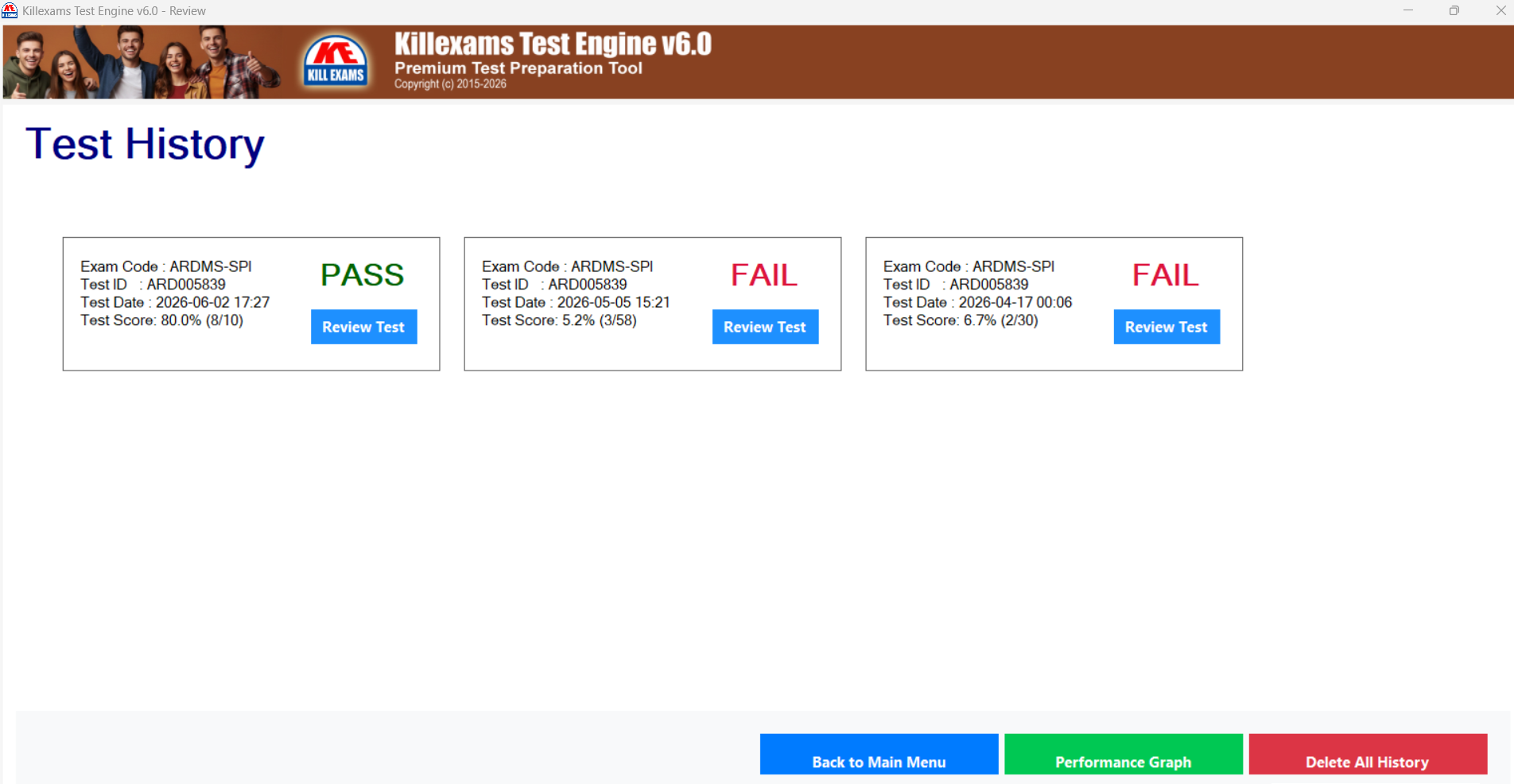
The Desktop Exam Simulator records practice history, performance summaries, and graphical progress reports. Where available, questions may include explanations or reference information to support understanding of correct and incorrect answers. The simulator content is reviewed and updated periodically to remain aligned with current exam objectives and syllabus requirements.
Certification Information
| Related Certification(s) | : Clad LabVIEW |
| All NI Certifications | : Clad : LabVIEW View all NI certifications › |
Other NI Practice Exams
|
3 Months Update
|
6 Months Update
|
12 Months Update
|
|
|---|---|---|---|
What is 3 Months Update?
During 3 months, all future updates in PDF and Test Engine will be provided in your MyAccount with download links. An Intimation email on each update will be sent to you to re-download the updated exam files.
|
What is 6 Months Update?
During 6 months, all future updates in PDF and Test Engine will be provided in your MyAccount with download links. An Intimation email on each update will be sent to you to re-download the updated exam files.
|
What is 12 Months Update?
During 12 months, all future updates in PDF and Test Engine will be provided in your MyAccount with download links. An Intimation email on each update will be sent to you to re-download the updated exam files.
|
|
| Files | PDF / Test Engines | PDF / Test Engines | PDF / Test Engines |
| Premium Access | ✔ | ✔ | ✔ |
| Online Test Engine | ✔ | ✔ | ✔ |
| Instant Download Access | ✔ | ✔ | ✔ |
| Comprehensive Q&A | ✔ | ✔ | ✔ |
| Latest Topics | ✔ | ✔ | ✔ |
| Updated Regularly | ✔ | ✔ | ✔ |
| Portable Files | ✔ | ✔ | ✔ |
| Unlimited Download | ✔ | ✔ | ✔ |
| 100% Secured | ✔ | ✔ | ✔ |
| Confidentiality | 100% | 100% | 100% |
| Syllabus Coverage | Latest | Latest | Latest |
| Any Hidden Cost | No | No | No |
| Auto Renewal | No | No | No |
| Updates Intimation | by Email | by Email | by Email |
| Technical Support | Free | Free | Free |
| PDF Compatibility | Windows, Mac, Android, iOS, Linux | Windows, Mac, Android, iOS, Linux | Windows, Mac, Android, iOS, Linux |
| Desktop Test Engine Compatibility | Windows All Versions | Windows All Versions | Windows All Versions |
| Online Test Engine Compatibility | Mac / Windows / Android / iOS / Linux | Mac / Windows / Android / iOS / Linux | Mac / Windows / Android / iOS / Linux |
CLAD Exam Format | Course Contents | Course Outline | Exam Syllabus | Exam Objectives
Number of Questions: 40 multiple-choice questions
Time Limit: 1 hour and 45 minutes (105 minutes)
Passing Marks: A minimum score of 70% is required to pass
Exam Format: Multiple-choice- closed-book- computer-based test administered by Pearson VUE-
- Connecting Hardware: Sensors- DAQ- Devices under test (DUT.
- Acquiring and validating a signal
- Processing signals
- Using appropriate sample rates
- Setting up and using a LabVIEW Project to:
- Add- delete- and move elements
- Use libraries and appropriate types of folders
- Avoid cross-linking
- Data Types:
- Recognize data types on the front panel
- Recognize data types on the block diagram from terminals and wires
- Choose appropriate controls- indicators- data types- & functions for a given scenario
- Predicting order-of-execution and behavior of
- A non-looping VI
- A Simple State Machine
- An Event-driven UI Handler
- Parallel Loops (without queues)
- Using basic functions to create a simple Acquire-Analyze-Visualize application
- Troubleshooting by identifying and correcting the cause of a broken arrow or incorrect data
- Error handling using error clusters and merge error functions to ensure errors are handled well
- Navigating LabVIEW help to get more information about inputs- outputs- and functions
- Create continuous HW acquisition or generation loop by applying a Open-Configure-Perform Operation-Close model.
- Retain data in shift registers
- Use input and output terminals effectively- including:
- Determining the last value output
- Indexing input and output terminals
- Concatenating output
- Using conditional output
- Using shift registers- both initialized and uninitialized.
- Use timing of loops appropriately- including:
- Software timing
- Hardware timing
- Use For Loops and While Loops appropriately
- View data from an n-channel HW acquisition VI (using the DAQmx Read VI) using a waveform graph- waveform chart- or numeric/waveform array indicator.
- Extract a single channel of data (waveform or 1D Array) from a:
- 1D waveform array representing acquired data from multiple channels
- 2D numeric array representing acquired data from multiple channels
- 1D numeric array representing single measurement from multiple channels
- Use a For Loop with auto-indexing and conditional tunnels to:
- Iterate through an array
- Iterate processing code on each channel of data in a 1D waveform array
- Generate an array of data that meets required conditions
- Identify by sight and be able to use and predict the behavior of the following array functions and VIs:
- Array Size
- Index Array
- Replace Subset
- Insert Into Array
- Delete From Array
- Initialize Array
- Build Array
- Array Subset
- Max & Min
- Sort 1D Array
- Search 1D Array
- Split 1D Array
- Writing conditional code to perform an action based on the value of a user input or a measurement result.
- Reading and Writing data to a file
- Use Open/Act/Close model for file I/O
- Write data to a text file using high-level file I/O functions
- Continuously stream data to a text file or a TDMS file
- Append data to an existing data file
- Log data using simple VIs
- Acquire data from DAQmx functions
- Display data on a graph
- Save data to a CSV file
- Choose single measurement/multiple channel and single channel/multiple measurements configurations appropriately
- SubVIs – Reusing Code
- Create SubVIs to increase readability and scalability of VIs
- Configure the subVI connector pane using best practices
- Choose appropriate code as a SubVI source
- Clusters – Grouping Data of Mixed Data Types
- Create- manipulate- analyze- and use cluster data in common scenarios
- Group related data by creating a cluster to improve data organization and VI readability
- Type Defs – Propagate Data Type Changes
- Create Type Defs and use Type Defs in multiple places
- Update Type Defs to propagate changes to all instances of the Type Def
Reviews (10)4.30 Overall
★★★★★
40%
★★★★
50%
★★★
10%
★★
0%
★
0%
|
Submit ReviewYou must be logged in to submit a review. Sign In to Submit Review |
Customer Reviews
CLAD Exam FAQs
How many questions are on the CLAD exam?
The CLAD exam has 40 questions.
How long is the CLAD exam?
You have 1 hour to complete the CLAD exam.
What is the passing score for CLAD?
For the CLAD exam: A minimum score of 70% is required to pass.
What question types are on the CLAD exam?
Format of the CLAD exam: multiple-choice- closed-book- computer-based test administered by Pearson VUE-.
What topics does the CLAD exam cover, and how are they weighted?
The CLAD exam covers 7 sections: LabVIEW Environment; Data Types; Programming Structures; Arrays and Clusters; Debugging; Design Patterns; File IO.
How should I prepare for CLAD?
Start with the official CLAD exam outline and study materials from NI (Emerson), then build exam readiness with timed practice. A killexams.com premium account gives you the full pool of 677 CLAD practice questions and answers in PDF and Test Engine formats, so you can practice every objective and review the answers before exam day.
How long does it take to prepare for CLAD?
At a steady pace of 100 practice questions a day, working through all 677 CLAD questions takes about 7 days. Add extra days to repeat the questions you got wrong.
Is CLAD hard? Who is it for?
The NI Certified LabVIEW Associate Developer validates foundational LabVIEW skills.
How many practice questions do you have for CLAD?
The killexams.com CLAD practice test contains 677 questions and answers.
Is there a free CLAD sample?
Yes. A free CLAD sample PDF is available on this page, so you can review the question style before you buy.
What formats are included in the CLAD practice test?
The CLAD practice test is available as a PDF, an Online Test Engine and a Desktop Test Engine.
Do the CLAD practice questions cover the current exam objectives?
Yes. The CLAD practice questions cover the complete syllabus and current exam objectives.
How do I get the files after purchase, and how long is access valid?
Your MyAccount login details are delivered by email. You can download the files from the member area until your account expires, after 3, 6 or 12 months depending on the plan you bought.
Can I use the CLAD Test Engine on Mac or mobile?
Yes, with the Online Test Engine, which runs on Mac, iOS, Android, Linux and other platforms. The Desktop Test Engine is for Windows only.
What if I fail the CLAD exam after using your material?
You can choose one of three options: 1) a refund, 2) a free 3-month account extension, or 3) a new exam of your choice.
How many practice questions are available for CLAD?
The CLAD practice test contains 677 practice questions and answers covering the current exam objectives.
What formats are available for CLAD preparation?
The CLAD practice test is available as PDF, Online Test Engine, Desktop Test Engine. All formats can be downloaded instantly after purchase.
Is there a free CLAD sample?
Yes. You can preview and download a free CLAD sample PDF on this page before you buy.